

Developer Portfolio Mistakes That Get Rejected — and How to Fix Them with a 3-Step Job-Matching Framework


TL;DR
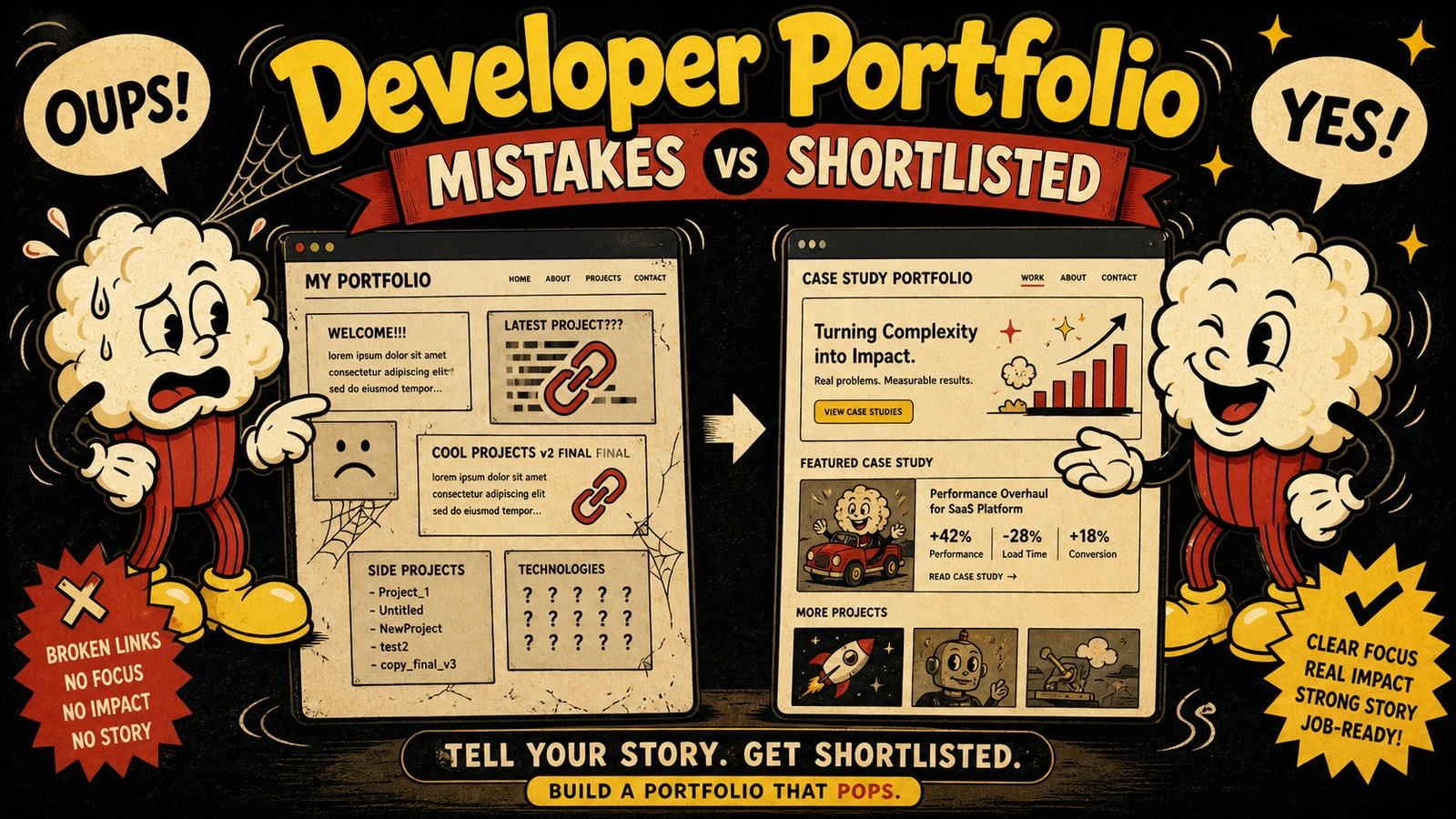
- Recruiters scan portfolios in under 60 seconds and pattern-match against the job description. Pages that fail to show direct role fit get rejected.
- Mistake 1: Sending the same project list everywhere. Fix: reorder projects and add a one-line context sentence mirroring JD keywords.
- Mistake 2: Visual-only portfolios that ignore keyword scanning (ATS/AI). Fix: bake role terms into text descriptions.
- Mistake 3: No clear call-to-action. Fix: add a single hire-me signal tuned to the target role.
- Apply the 3-step framework (Profile-Map, Project-to-Job bridge, Cargo-cult the scan) to rewire your portfolio in an afternoon.
Recruiters spend under a minute scanning your portfolio. Stack Overflow’s 2024 survey shows 71% of hiring managers consult portfolios Stack Overflow, GitHub Octoverse 2024 confirms scans average under a minute GitHub Octoverse, and LinkedIn’s Global Talent Trends documents a shift toward portfolio-first screening LinkedIn. If your page doesn’t instantly signal “this person can solve my team’s problem,” it gets rejected.
Mistake 1: One-Size-Fits-All Projects
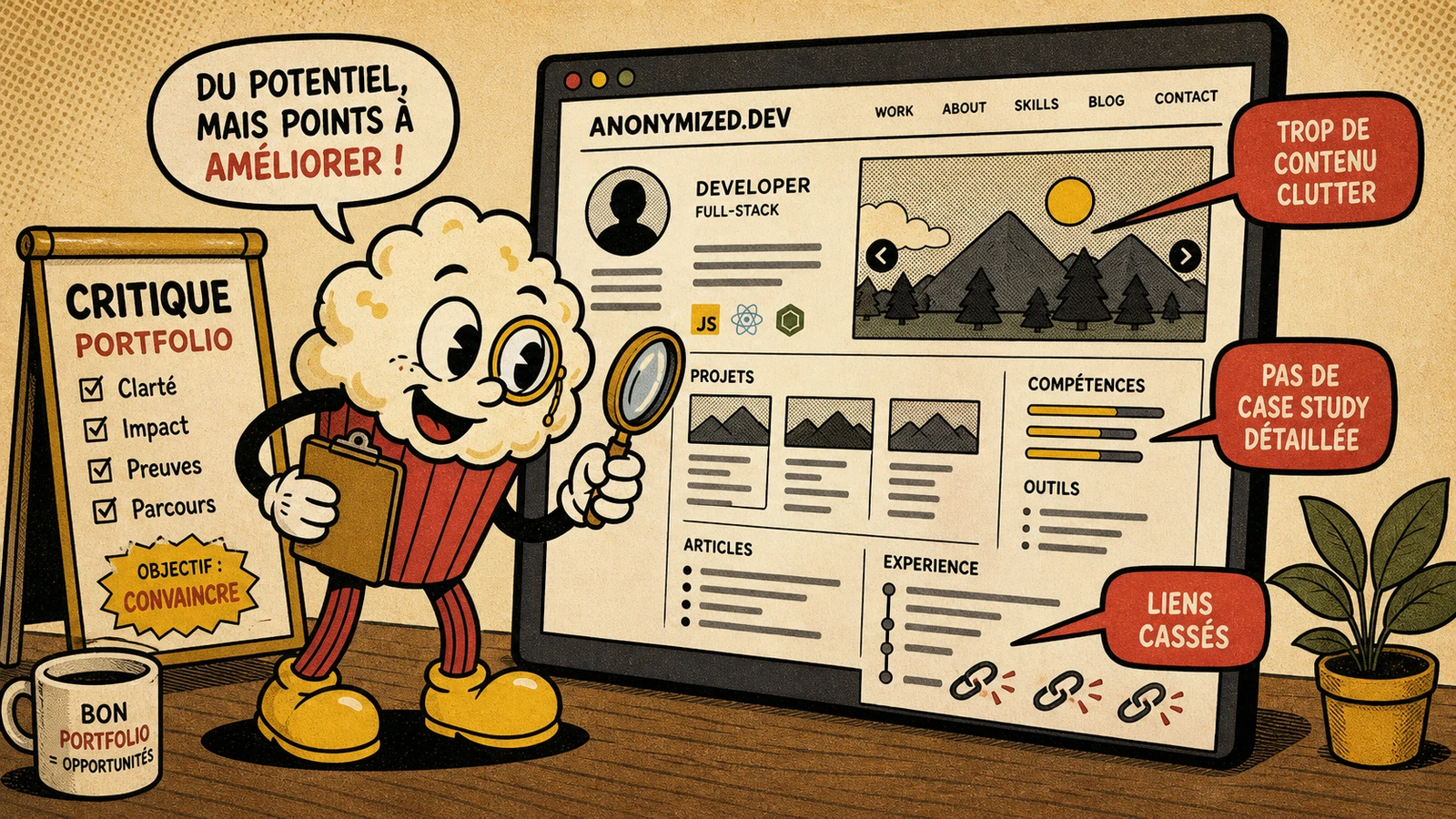
A frontend developer applying to a React fintech role with a weather app and CSS animations as their top projects gets skipped. The recruiter needs “real-time financial dashboards, React, TypeScript” — not generic proof of skill. Tailor quickly: reorder so the most role-relevant project comes first, and add a one-sentence bridge that mirrors the JD. For example, under a serverless payment project, “Reduced settlement latency by 62% — directly applicable to payment infrastructure.” Match the keyword palette to the role (frontend: UI, dashboard, React; backend: API, latency, throughput; fullstack: end-to-end ownership).
Mistake 2: Ignoring How ATS and Recruiter Scanners Actually Read Your Portfolio
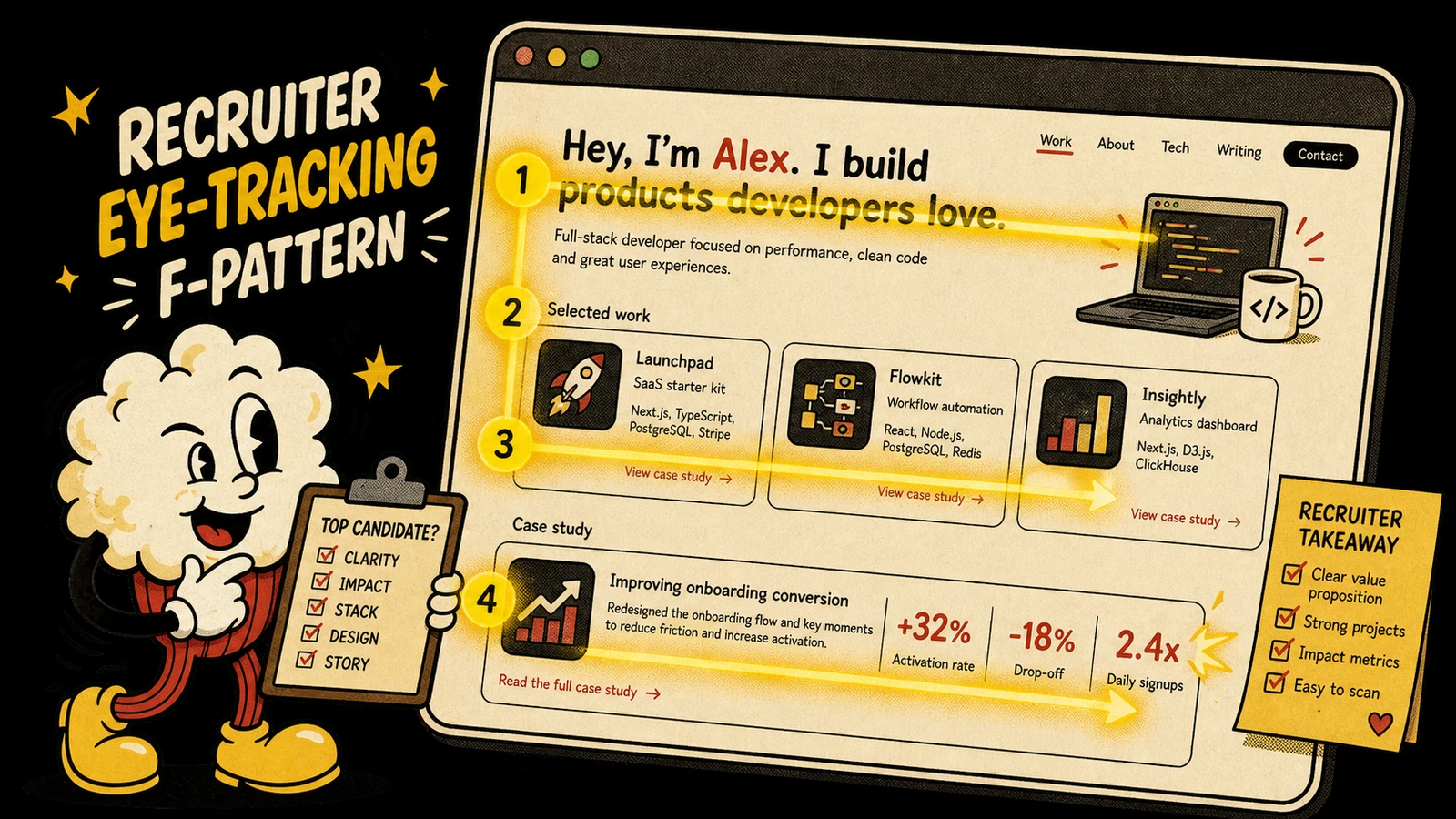
AI screeners extract text from your page and score it against required skills. If project descriptions are images or never mention the JD’s terms, the score drops and a human never sees it. Put the role’s target words into plain text — e.g., “handled PII and time-series health data with Python/FastAPI” for a health-tech backend role. A single-page portfolio with clear text sections works far better than a heavy custom site where content is hidden behind JavaScript rendering.
Mistake 3: No Clear Call-to-Action
Many portfolios end with a GitHub icon and no route to hire. That friction loses interviews. Add one CTA that matches the context: “Available for backend contracts in fintech” with a scheduling link, or “Hire me for your React team” with an email. Align the wording with the exact role title so the recruiter can act immediately after the scan.
The 3-Step Fix
- Profile-Map the job description: pull 8–12 keywords (e.g., “Kafka,” “p99 latency,” “payment processing”).
- Project-to-Job Bridge: for each top project, write a sentence that connects the technical outcome to the role’s domain problem. “Reduced payment-processing latency by 62% — applicable to your payment infrastructure role.”
- Cargo-cult the scan: place the most role-relevant project first, followed by tech stack, bridge sentence, and CTA. Ask a peer to scan for 30 seconds and relay what they remembered.
FAQ
How do I make my developer portfolio stand out?
Don’t try to stand out; instead, tailor your page to match the hiring team’s specific pain points. When your projects mirror the job description, the fit feels obvious.
How many projects should a portfolio have?
Three to four complete, deep projects that tell a coherent story outperform a dozen half-finished ones.
Should I include personal projects?
Only if they solve a tangible problem and you can articulate the technical decisions behind them; otherwise they dilute the signal.
How do I write project descriptions?
Start with the business problem, state the tech stack, quantify impact (“reduced latency by X%”), and tie the outcome to the target role’s domain.
What’s the biggest mistake that leads to immediate rejection?
Absence of any role signal. When a recruiter can’t map a project to the job description in 30 seconds, they click away — often on generic “Fullstack Developer” pages without industry or problem-space context.
Next Steps
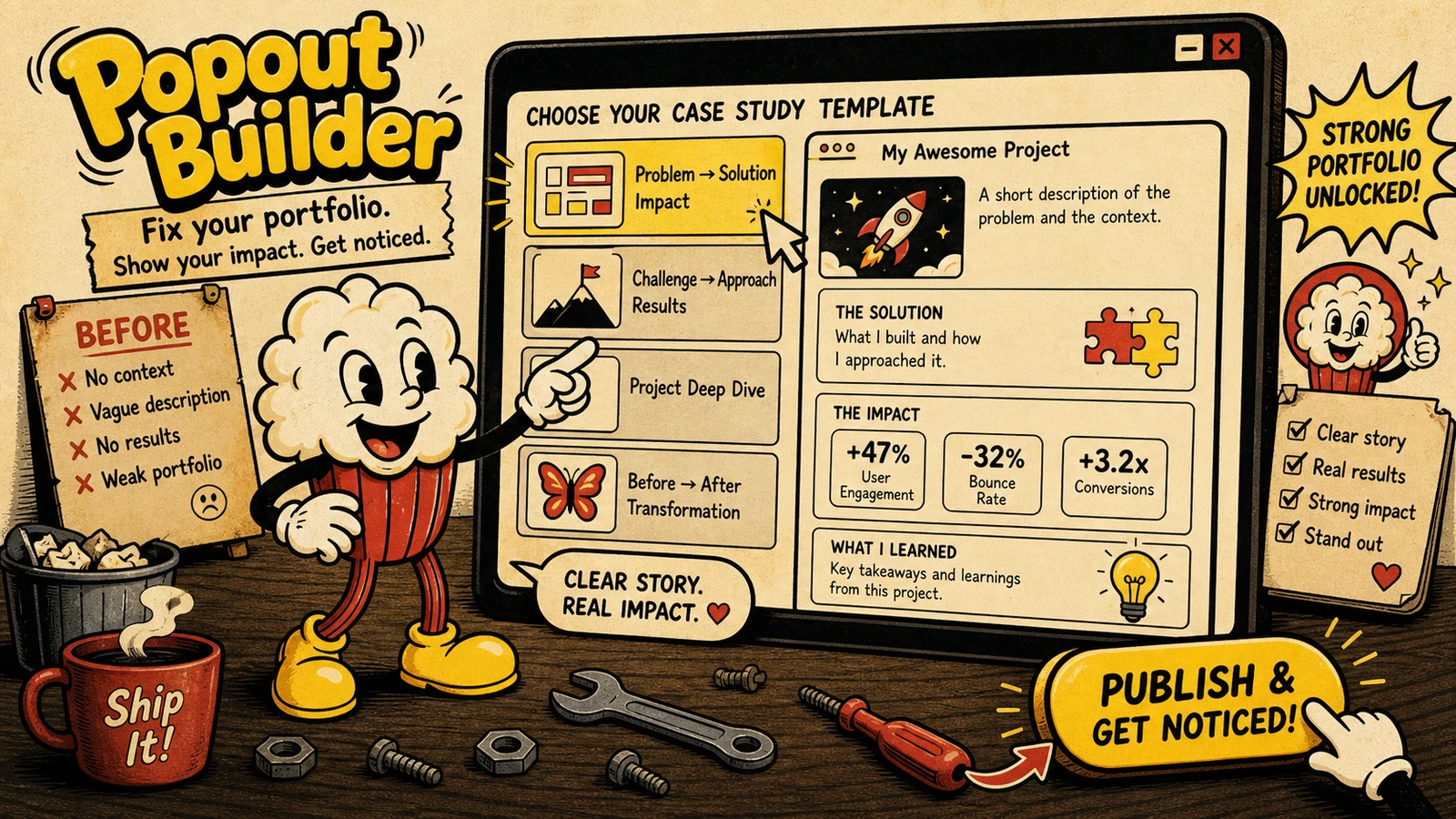
The included Popout portfolio builder includes engagement tracking that shows who clicks, which sections hold attention, and where visitors leave — turning guesswork into a concrete improvement loop. For a deeper audit, the 2026 Portfolio Audit asks the seven questions that reveal whether your page is ready for this year’s hiring reality.
Sources
- Stack Overflow Developer Survey 2024 — https://survey.stackoverflow.co/2024/
- GitHub Octoverse 2024 — https://github.blog/news-insights/octoverse/octoverse-2024/
- LinkedIn Global Talent Trends — https://business.linkedin.com/talent-solutions/global-talent-trends
{/* internal-link: /blog/ai-interviewer-shift-why-portfolio-is-first-interview-2026 anchor: "AI-first screening" /} {/ internal-link: /blog/2026-portfolio-stack-single-page-sites-replacing-resumes anchor: "single-page portfolio stack" /} {/ internal-link: /frontend-developer-portfolio/ anchor: "frontend developer portfolio guide" /} {/ internal-link: /backend-developer-portfolio/ anchor: "backend developer portfolio guide" /} {/ internal-link: /fullstack-developer-portfolio/ anchor: "fullstack developer portfolio guide" /} {/ internal-link: /blog/portfolio-pulse-weekly-check-up-2026 anchor: "Portfolio Pulse weekly check-up" /} {/ internal-link: /blog/2026-portfolio-audit-questions-career-move anchor: "2026 Portfolio Audit" */}
Written by
Popout Editorial
Content Team