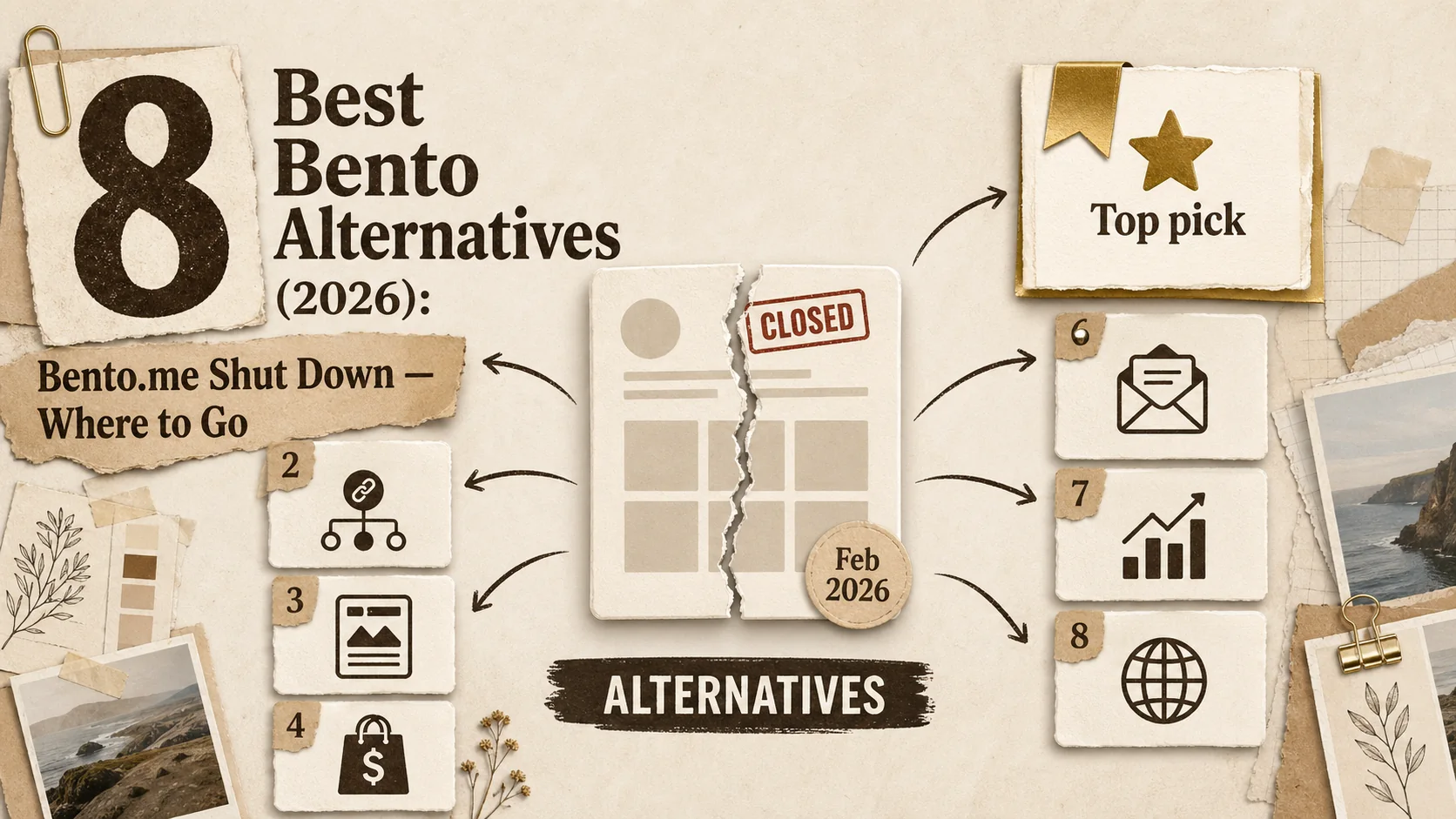
Bento.me shut down on February 13, 2026. After being acquired by Linktree in 2023, the platform was officially discontinued, with all user data and content removed. If you were a Bento user, your page is already gone — and you need a replacement now.
Bento made waves in the creator community with its beautiful grid-based layouts and visual link-in-bio approach (often searched as "bento me alternatives" with the .me suffix dropped). Its drag-and-drop grid system, flexible block sizing, and visual-first design attracted thousands of creators. But with the platform gone, the question is no longer "is there something better?" It is "where do I go next?"
The global link-in-bio tools market is now valued at $1.2 billion and growing at 14.4% CAGR, with over 70 million creators using these tools worldwide. We have tested the top alternatives to find the best fits for former Bento users — whether you prioritize visual layouts, professional portfolios, or creator monetization.
Quick Comparison: Best Bento Alternatives at a Glance
Short answer: Popout Page is the top pick for professionals needing structured portfolios. Linktree (which acquired Bento) offers a migration path but loses the grid layout. Carrd provides the most design flexibility on a budget. All platforms below have been tested as direct Bento replacements.
| Platform | Best For | Starting Price | Key Feature | Rating |
|---|---|---|---|---|
| Popout Page | Developers & Designers | Included / €12/mo | Full portfolio + CV generator | 9.8/10 |
| Linktree | General creators | Included / $5/mo | Link management | 8.5/10 |
| Carrd | Landing pages | Included / $9/year | Flexible layouts | 8.2/10 |
| About.me | Personal branding | Included / $8/mo | Simple bio pages | 7.8/10 |
| Bio.link | Quick setup | Included / $5/mo | Fast and simple | 7.5/10 |
| Milkshake | Mobile-first | Included | Card-based design | 7.3/10 |
| Lnk.Bio | Minimalists | Included / $0.99/mo | Instagram integration | 7.0/10 |
| Later Link in Bio | Social marketers | $25/mo | Social scheduling | 7.5/10 |
Why You Need a Bento Alternative Now
Short answer: Bento.me is permanently offline as of February 2026. Linktree acquired the platform but chose to sunset it rather than maintain two products. Former Bento users must migrate immediately — there is no "wait and see" option. For the full picture of link-in-bio tools, see our best Linktree alternatives 2026 guide.
The Platform Is Gone
This is not a hypothetical — Bento.me ceased operations on February 13, 2026. All user data has been removed. If you did not export your content before the deadline, you are starting fresh. Linktree offered a migration path with a Pro discount, but migrating to Linktree means losing Bento's grid layout entirely — Linktree uses a vertical link list format.
Limited Portfolio Features
Even before the shutdown, Bento excelled at visual link grids but was not built for showcasing detailed project work. If you are a developer pushing code to GitHub, a designer hosting case studies on Behance or Dribbble, or a professional building credibility through LinkedIn, you need more than links — you need a proper portfolio with project descriptions, tech stacks, and case studies.
Design Constraints
The grid-based layout that made Bento distinctive could also feel limiting. Some users found it difficult to organize content the way they wanted, especially for text-heavy portfolios or traditional resume formats.
Missing Professional Features
Features like analytics, custom domains, and CV generation were never Bento's focus. If you need these for job hunting or client acquisition, you need a tool purpose-built for professionals. See our guide on how to create a developer portfolio for a deeper look at what matters.
#1: Popout Page — The Professional Portfolio Alternative
Short answer: Popout Page replaces Bento's visual grid with structured portfolio sections — projects with tech stacks, skills with proficiency levels, work experience timelines, and an auto-generated CV. If your Bento page was your professional identity, Popout Page is the upgrade.
Popout Page takes a fundamentally different approach than Bento. Instead of focusing on aesthetic link grids, it is purpose-built for tech professionals who need to showcase their actual work — GitHub repositories, Behance projects, research papers, client work, and career timelines.
Why Popout Page Tops Our List
While Bento is great for visual layouts, Popout Page understands that developers and designers need more than links. It provides dedicated sections for projects, skills, work experience, and even generates a downloadable CV from your portfolio data.
Key Features
- 5-Minute Setup: From signup to live portfolio in minutes—no design skills needed
- Project Showcases: Proper project pages with descriptions, tech stacks, and screenshots
- Skills Section: Display your technical skills with proficiency levels
- Built-In Analytics: Track who's viewing your portfolio (Pro)
- CV Generator: Auto-generate a PDF resume from your portfolio data (Pro)
- 8+ Professional Themes: Designed specifically for tech portfolios
- Showcase Discovery: Get discovered by recruiters browsing the platform
Real User Experience
"I switched from Bento because I needed a real portfolio, not just a link page. Popout Page gave me everything—projects, skills, experience—and I had it live in under 10 minutes."
— Marcus Chen, Full-Stack Developer
Pricing
- Included: Full portfolio functionality, all themes, hosted public page
- Pro (€12/month or €90/year): Custom domain, analytics, CV generator, priority showcase placement
Who Should Choose Popout Page
- Developers who want to showcase code projects properly
- Designers needing project case studies
- Job seekers who want both portfolio and CV in one place
- Tech professionals tired of generic link-in-bio tools
- Anyone who wants to be discovered by recruiters
Pros & Cons
Pros: Purpose-built for tech portfolios, fastest setup time, CV generator, gorgeous themes, built-in analytics, generous included tier, recruiter discovery
Cons: More focused than general link-in-bio tools, may be more than needed for simple use cases
Ready for a Real Portfolio?
Join thousands of developers and designers who've upgraded from link pages to professional portfolios.
#2: Linktree — The Original Link-in-Bio (and Bento's Acquirer)
Short answer: Linktree acquired Bento in 2023 and shut it down in February 2026, offering a Pro discount migration path. With 50 million users and $61.6 million in 2025 revenue, Linktree has scale — but the vertical link list format is a significant downgrade from Bento's grid layout. For a full comparison, see our Linktree alternatives 2026 guide.
Linktree is the platform that popularized link-in-bio tools and the company that acquired (and subsequently shut down) Bento. It has the largest user base in the category at 50 million users and receives over 1.2 billion unique monthly visitors across all pages.
Key Features
- Simple link list format
- Extensive theme library
- Analytics on Pro plans
- Commerce features for selling
- Email/SMS collection
Pricing
- Included: Unlimited links, basic themes
- Starter ($5/mo): More themes, basic analytics
- Pro ($9/mo): Advanced analytics, custom backgrounds
- Premium ($24/mo): Custom domain, priority support
Pros & Cons
Pros: Industry standard, easy to use, reliable, good included tier
Cons: Not designed for portfolios, custom domains require expensive plan, generic look
#3: Carrd — Flexible Landing Pages
Short answer: Carrd is the closest visual match to Bento's flexibility — a blank canvas where you design freely. At $19/year, it is the cheapest option with custom domain support. The tradeoff: no built-in analytics, no portfolio structure, and a steeper learning curve. For a deeper dive, see our Carrd alternatives guide.
Carrd offers more flexibility than typical link-in-bio tools. Built by solo founder AJ, the platform has powered over 4 million sites and reached $1.5 million ARR — all without investors or a marketing team. It is essentially a simple website builder that can be used for portfolios, landing pages, or link pages.
Key Features
- Drag-and-drop builder
- Multiple page sections
- Form integrations
- Custom code embedding
- Multiple sites per account
Pricing
- Included: 3 sites, Carrd branding
- Pro Lite ($9/year): No branding, more sites
- Pro Standard ($19/year): Custom domains, forms
- Pro Plus ($49/year): All features, more sites
Pros & Cons
Pros: Very affordable, flexible design, custom domains cheap
Cons: Steeper learning curve, no built-in analytics, requires more design effort
#4: About.me — Personal Branding Pages
About.me has been around since 2009, focusing on simple personal branding pages. It's straightforward and professional, though somewhat dated compared to newer options.
Key Features
- Clean, simple layouts
- Background image options
- Social link integration
- Email collection
- Basic analytics
Pricing
- Included: Basic page with About.me branding
- Pro ($8/mo): Custom domain, no branding, analytics
Pros & Cons
Pros: Simple and professional, established platform
Cons: Limited customization, outdated feel, no project showcases
#5: Bio.link — Fast and Included
Bio.link is a simple, fast alternative that gets the job done without complexity. It's particularly popular with users who just want to get a link page up quickly.
Key Features
- Very fast setup
- Clean interface
- Social media integration
- Basic customization
- Generous included tier
Pricing
- Included: Full functionality with branding
- Pro ($5/mo): Custom domains, remove branding
Pros & Cons
Pros: Very simple, fast setup, affordable
Cons: Limited features, basic design options, no portfolio features
#6: Milkshake — Mobile-First Cards
Milkshake takes a unique approach with its card-based, swipeable layout. It's designed entirely on mobile and creates Instagram Story-like pages.
Key Features
- Mobile app builder
- Card-based layouts
- Swipeable pages
- Instagram-optimized
- Completely included
Pricing
- Included: All features included (ad-supported)
Pros & Cons
Pros: Completely included, unique design, mobile-first
Cons: Must use mobile app, limited to card format, not ideal for portfolios
#7: Lnk.Bio — Minimalist Links
Lnk.Bio keeps things minimal. It's focused specifically on Instagram users who want a simple way to share multiple links.
Key Features
- Simple link list
- Instagram post links
- Basic customization
- Analytics
- Very affordable
Pricing
- Included: Unlimited links
- Mini ($0.99/mo): Analytics, custom URL
- Unique ($24.99/year): Custom domain, themes
Pros & Cons
Pros: Very affordable, simple, Instagram-focused
Cons: Very basic, limited design, not for portfolios
#8: Later Link in Bio — Social Scheduling Combo
Later is primarily a social media scheduling tool, but includes a link-in-bio feature. It's best for users who already use Later for scheduling.
Key Features
- Link-in-bio pages
- Social scheduling integration
- Analytics
- Shoppable links
- Visual planning
Pricing
- Included: Basic scheduling + link-in-bio
- Starter ($25/mo): More features, analytics
- Growth ($45/mo): Advanced analytics, more profiles
Pros & Cons
Pros: Great if you use Later for scheduling, shoppable features
Cons: Expensive for just link-in-bio, not portfolio-focused
Side-by-Side Comparison
Short answer: Popout Page wins on portfolio features and setup speed. Linktree wins on brand recognition and user base. Carrd wins on price and design freedom. Bento is no longer available — the column below shows what you are leaving behind.
Feature Comparison Matrix
| Feature | Popout Page | Linktree | Carrd | Bento |
|---|---|---|---|---|
| Included Tier | Yes (Generous) | Yes (Limited) | Yes (Limited) | Yes |
| Project Showcases | Yes | No | Manual setup | No |
| Skills Section | Yes | No | Manual | No |
| CV Generator | Yes (Pro) | No | No | No |
| Custom Domain | €12/mo | $24/mo | $19/year | $8/mo |
| Analytics | Yes (Pro) | Yes (Pro) | No | Yes (Pro) |
| Setup Time | 5 minutes | 5 minutes | 30+ minutes | 15 minutes |
| Best For | Tech Pros | Creators | DIY Pages | Visual Links |
Pricing Comparison
| Platform | Included | Entry Paid | Full Features |
|---|---|---|---|
| Popout Page | €0 | €12/mo | €12/mo |
| Linktree | $0 | $5/mo | $24/mo |
| Carrd | $0 | $9/year | $49/year |
| About.me | $0 | $8/mo | $8/mo |
| Bento | $0 | $8/mo | $8/mo |
Decision Framework: Finding Your Perfect Alternative
Short answer: Match the tool to your primary goal. Portfolio professionals → Popout Page. General creators → Linktree. Budget DIY → Carrd. Mobile-only → Milkshake. For career-specific advice, see our guides on building a converting portfolio and the first 5 seconds rule.
For Developers & Designers
If you need to showcase actual projects with descriptions, tech stacks, and case studies, Popout Page is the clear winner. It is the only tool on this list built specifically for tech portfolios. Display your GitHub repos, Dribbble shots, or Behance projects with proper context and descriptions.
For General Creators & Influencers
If you just need a simple link page without portfolio features, Linktree or Bio.link will serve you well. They're simple, reliable, and widely recognized.
For Budget-Conscious Users
If you want custom domains without breaking the bank, Carrd offers the best value at $19/year. But be prepared for a steeper learning curve.
For Visual-First Creators
If you loved Bento's grid layouts but want something with more flexibility, Carrd gives you the most design freedom, though it requires more effort to set up.
Quick Decision Flowchart
- Need project showcases? → Popout Page
- Just need links? → Linktree or Bio.link
- Want design flexibility? → Carrd
- Mobile-first creator? → Milkshake
- Already use Later? → Later Link in Bio
Frequently Asked Questions
Short answer: Below are the most common questions from former Bento users. For broader portfolio advice, see our articles on common portfolio mistakes, why the first 3 seconds matter more than your resume, and why simplicity wins in 2026.
What is the best included Bento alternative?
For tech professionals, Popout Page offers the best included tier with full portfolio functionality. For general link pages, Linktree and Bio.link both have generous included tiers.
Can I still migrate from Bento?
No. Bento.me shut down on February 13, 2026, and all user data has been permanently removed. The zip export option that was available before the shutdown date is no longer accessible. You will need to recreate your page from scratch on your new platform. The good news: tools like Popout Page take under 5 minutes to set up, and the structured format is an upgrade from Bento's freeform grid.
Which Bento alternative is best for developers?
Popout Page is specifically designed for developers and designers. It includes project showcases, skills sections, work experience, and even generates a CV—features that Bento and other link-in-bio tools don't offer.
Is Bento still available in 2026?
No. Bento.me was permanently shut down on February 13, 2026 by its parent company Linktree. The website is no longer accessible and all user pages have been removed. You must choose an alternative — Popout Page, Linktree, Carrd, or another platform from this list.
Can I use my own domain with these alternatives?
Yes, most alternatives offer custom domain support on paid plans. Popout Page includes it in the €12/month Pro plan, while Linktree requires the $24/month Premium tier. Carrd offers the cheapest custom domains at $19/year.
What are the best Bento me alternatives now that Bento.me has shut down?
The best Bento me alternatives in 2026 are Popout Page for professional portfolios with structured projects and CV generation, Linktree (which acquired Bento) for general link-in-bio needs, and Carrd for custom visual layouts at $19/year. Bento.me itself is permanently offline as of February 13, 2026, so any "Bento me alternative" comparison in 2026 is really about choosing where to migrate. For most former Bento users, Popout Page is the strongest replacement because it preserves the visual showcase angle while adding portfolio depth that Bento never offered.
Final Verdict: The Best Bento Alternatives in 2026
Short answer: With Bento gone, Popout Page is the best overall replacement for professionals. Linktree is the safe default for general creators. Carrd is the budget pick for design-savvy users.
Best Overall: Popout Page
For tech professionals who need more than a link page, Popout Page delivers a complete portfolio solution with project showcases, skills, experience, and CV generation.
Best for General Creators: Linktree
If you just need reliable link management without portfolio features, Linktree remains the industry standard with the largest user base.
Best Budget Option: Carrd
At just $19/year for custom domains, Carrd offers incredible value for users willing to invest more time in design.
Best for Minimalists: Bio.link
For users who want simplicity above all else, Bio.link gets the job done with minimal fuss.
Conclusion
With Bento.me permanently offline since February 2026, choosing an alternative is no longer optional. If you are a tech professional who wants to showcase actual work, Popout Page is the clear choice. For simpler link-in-bio needs, established options like Linktree or budget-friendly Carrd serve well. For more on building your professional presence, explore our guides on Linktree alternatives, Carrd alternatives, and About.me alternatives.
The key is choosing a tool that matches your use case rather than fighting against one that does not — or worse, one that no longer exists.
Ready to Upgrade Your Online Presence?
Join thousands of developers and designers who've moved beyond link pages to professional portfolios.
Other Doved Studio projects
Related tools from the same studio you might find useful:
- Ralphable: Generate structured Claude Code skills that iterate until pass/fail criteria are met.
- Glean: Turn scrolling time into a daily action plan. Capture, process, execute.
- Doved Studio: Studio indie derrière cette app et une dizaine d'autres outils.