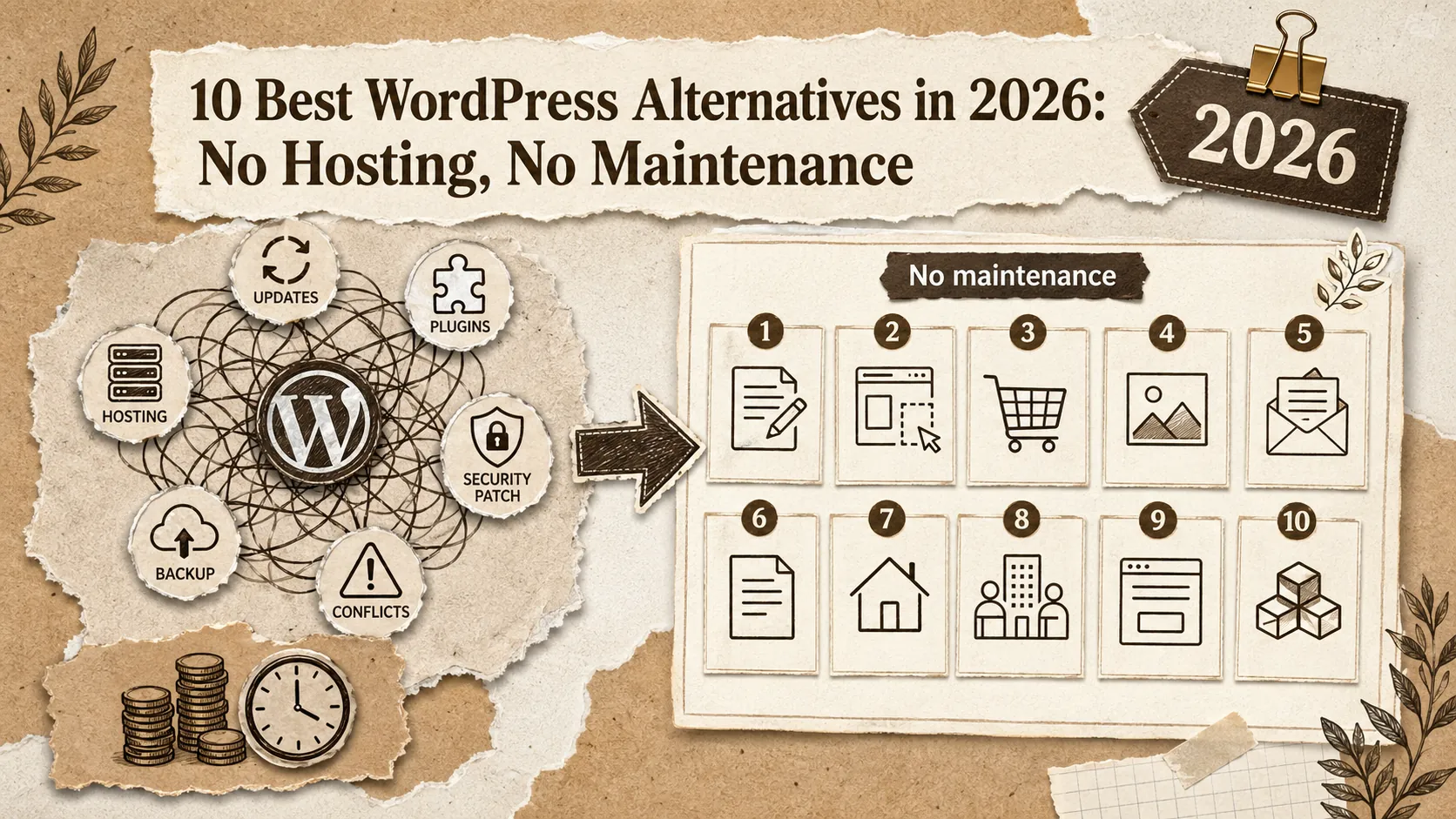
Let's be honest: WordPress has become a maintenance nightmare for most users. What started as a simple blogging platform has evolved into a complex ecosystem requiring constant updates, security patches, plugin compatibility checks, and hosting management. The "included" platform costs hours of your time every month — time better spent on your actual work.
The hidden costs of WordPress add up quickly: hosting ($5-50/month), premium themes ($50-200), essential plugins ($100-500/year for premium versions), security services ($100-300/year), and backup solutions ($50-150/year). Before you know it, your "included" WordPress site costs $500-1,000+ annually — not counting the value of your time spent on maintenance.
WordPress powers an astonishing 70 million posts published monthly (2.33 million daily, 17 posts per second). But this scale comes with complexity: users regularly report spending 2-5 hours monthly on maintenance tasks like updates, security patches, and troubleshooting plugin conflicts. The top complaint? "I just wanted a website, not a second job as a system administrator."
In this comprehensive guide, we've tested and ranked the 10 best WordPress alternatives for 2026. Whether you need a portfolio, a blog, or a business site, you'll find options that give you your time back. If you're specifically looking for link-in-bio tools, check our Linktree alternatives guide. For design-focused builders, see our best alternatives to Squarespace in 2026 comparison. And for a broader look at portfolio-specific platforms, read our ultimate guide to portfolio builder alternatives.
Quick Comparison: Best WordPress Alternatives at a Glance
Short answer: Popout Page (9.8/10) leads for zero-maintenance portfolios. Ghost (8.4/10) is the strongest WordPress replacement for bloggers and newsletter publishers. Medium and Substack offer built-in audiences with no setup cost. Wix and Squarespace serve small businesses that need a general-purpose site without WordPress's maintenance overhead.
| Platform | Best For | Starting Price | Maintenance | Rating |
|---|---|---|---|---|
| Popout Page | Developer & Designer Portfolios | Included / €12/mo | Zero | ⭐ 9.8/10 |
| Ghost | Bloggers & Publishers | $9/mo (hosted) | Minimal | ⭐ 8.4/10 |
| Medium | Writers | Included | Zero | ⭐ 8.1/10 |
| Substack | Newsletter Writers | Included (10% of paid) | Zero | ⭐ 7.9/10 |
| Wix | Small Business | $17/mo | Minimal | ⭐ 7.8/10 |
| Squarespace | Design-Focused Sites | $16/mo | Minimal | ⭐ 7.6/10 |
| Webflow | Design Professionals | $14/mo | Minimal | ⭐ 7.4/10 |
| Notion | Documentation | Included / $10/mo | Zero | ⭐ 7.2/10 |
Why Consider WordPress Alternatives in 2026?
Short answer: WordPress's "included" software costs $500-1,000+ per year in hosting, themes, plugins, security, and backups — plus 2-5 hours of monthly maintenance. In 2026, managed alternatives eliminate all of this. For portfolios, Popout Page at €90/year includes hosting, security, themes, and analytics with zero maintenance time.
💰 The Cost Reality
WordPress is "included" like a puppy is included — the acquisition cost is just the beginning. By the time you add hosting, themes, plugins, security, and backups, you're spending $500-1,000+ per year. Popout Page at €12/month (€90/year) includes everything with no hidden costs, no plugins to buy, and no hosting to manage.
🎯 The Specialist Advantage
WordPress tries to power everything from personal blogs to enterprise sites. This flexibility creates complexity that most users don't need. Purpose-built platforms like Popout Page for portfolios or Ghost for blogging deliver better experiences for specific use cases without the overhead.
🖥️ User Experience
Gutenberg improved WordPress's editor, but the platform's complexity remains. Plugin conflicts, theme compatibility issues, and the endless settings menus create friction. Modern alternatives prioritize user experience over flexibility.
📊 Security & Maintenance
WordPress is the world's most targeted platform for hackers — simply because it's so popular. Wordfence's 2025 Threat Intelligence report found that WordPress sites face an average of 90,000 attack attempts per minute globally. Keeping it secure requires constant vigilance, updates, and often paid security plugins. Managed alternatives handle security invisibly.
📈 Flexible Growth Options
Ironically, WordPress's "flexibility" can become a constraint — migrating away from heavily customized WordPress installations is painful. Simpler platforms make it easier to evolve your online presence over time.
#1: Popout Page — The Portfolio That Requires Zero Maintenance
Short answer: Popout Page eliminates WordPress's entire maintenance cycle — no hosting, no updates, no plugin conflicts, no security patches. At €90/year versus WordPress's $320-600+ true annual cost, you get portfolio-specific features (CV generator, Showcase discovery, built-in analytics) that WordPress requires multiple paid plugins to replicate.
If you've been using WordPress for a portfolio, you know the drill: update WordPress, update themes, update plugins, hope nothing breaks, fix what does. Popout Page eliminates all of this. Whether your work lives on GitHub, Behance, Dribbble, or LinkedIn, Popout Page lets you showcase it without becoming a part-time sysadmin. You focus on your work; the platform handles everything else.
Why Popout Page Beats WordPress for Portfolios
WordPress portfolio sites require: hosting selection, WordPress installation, theme installation, plugin configuration, ongoing updates, security monitoring, backup management. Popout Page requires: signing up and adding your content. That's the entire difference.
🔥 Game-Changing Features
Zero Maintenance
No updates to run. No plugins to configure. No hosting to manage. No security patches to apply. Your portfolio just works while you focus on your actual profession.
5-Minute Setup
WordPress portfolios take hours or days to properly configure. Popout Page portfolios go live in minutes. Choose a theme, add your content, publish.
CV Generator (Pro)
WordPress can generate CVs with expensive plugins that require configuration. Popout Page Pro generates CVs automatically from your portfolio content.
Showcase Discovery
WordPress sites need SEO plugins and marketing to get found. Popout Page includes Showcase, where your portfolio can be discovered by recruiters and clients.
Built-In Analytics (Pro)
WordPress needs analytics plugins (and often premium versions for good insights). Popout Page Pro includes portfolio-focused analytics by default.
Real User Experience
"I spent years maintaining a WordPress portfolio. Updates would break things, plugins would conflict, and I was constantly worried about security. Popout Page lets me forget about all that and just have a portfolio that works. The 5-minute setup versus my 50+ hours in WordPress tells the whole story."
— James Wilson, Full-Stack Developer
Pricing
- Included: Full portfolio functionality, all themes, hosted public page
- Pro (€12/month or €90/year): Custom domain, analytics, CV generator, priority support
Total Cost Comparison
| Item | WordPress (Typical) | Popout Page Pro |
|---|---|---|
| Hosting | $120-300/year | Included |
| Premium Theme | $50-200 (one-time) | Included |
| Security Plugin | $100-200/year | Included |
| Backup Service | $50-100/year | Included |
| Maintenance Time | 2-5 hrs/month | 0 hrs |
| Annual Total | $320-600+ | €90 |
Get Your Time Back
Stop maintaining WordPress. Start focusing on your work.
Other WordPress Alternatives
Short answer: Ghost is the best pure blogging replacement for WordPress with built-in subscriptions and fast performance. Medium and Substack trade domain ownership for built-in audience distribution. Wix and Squarespace cover general business sites. Webflow targets design professionals who need pixel-level control. Choose based on whether your primary need is blogging, newsletters, or a business/portfolio site.
#2: Ghost ($9/mo hosted) — For Bloggers
Ghost offers a clean blogging experience focused on content and subscriptions. Great for writers, though requires some setup for the hosted version. Ghost's open-source codebase on GitHub has over 48,000 stars, making it one of the most popular Node.js CMS projects.
Pros: Clean writing experience, built-in subscriptions, fast performance
Cons: Limited customization, blog-focused only, no portfolio features
#3: Medium (Included) — For Writers
Medium provides a platform with built-in audience. Great for content but you don't own your domain or data. Many developers use Medium to publish technical articles that link back to their portfolio on LinkedIn or their personal site.
Pros: Built-in audience, zero setup, beautiful writing experience
Cons: No custom domain, limited branding, no portfolio capability
#4: Substack (Included) — For Newsletters
Substack combines blog and newsletter functionality with built-in monetization. Takes 10% of paid subscriptions.
Pros: Newsletter built-in, easy monetization, zero maintenance
Cons: 10% revenue share, limited customization, newsletter-focused
#5-8: General Builders
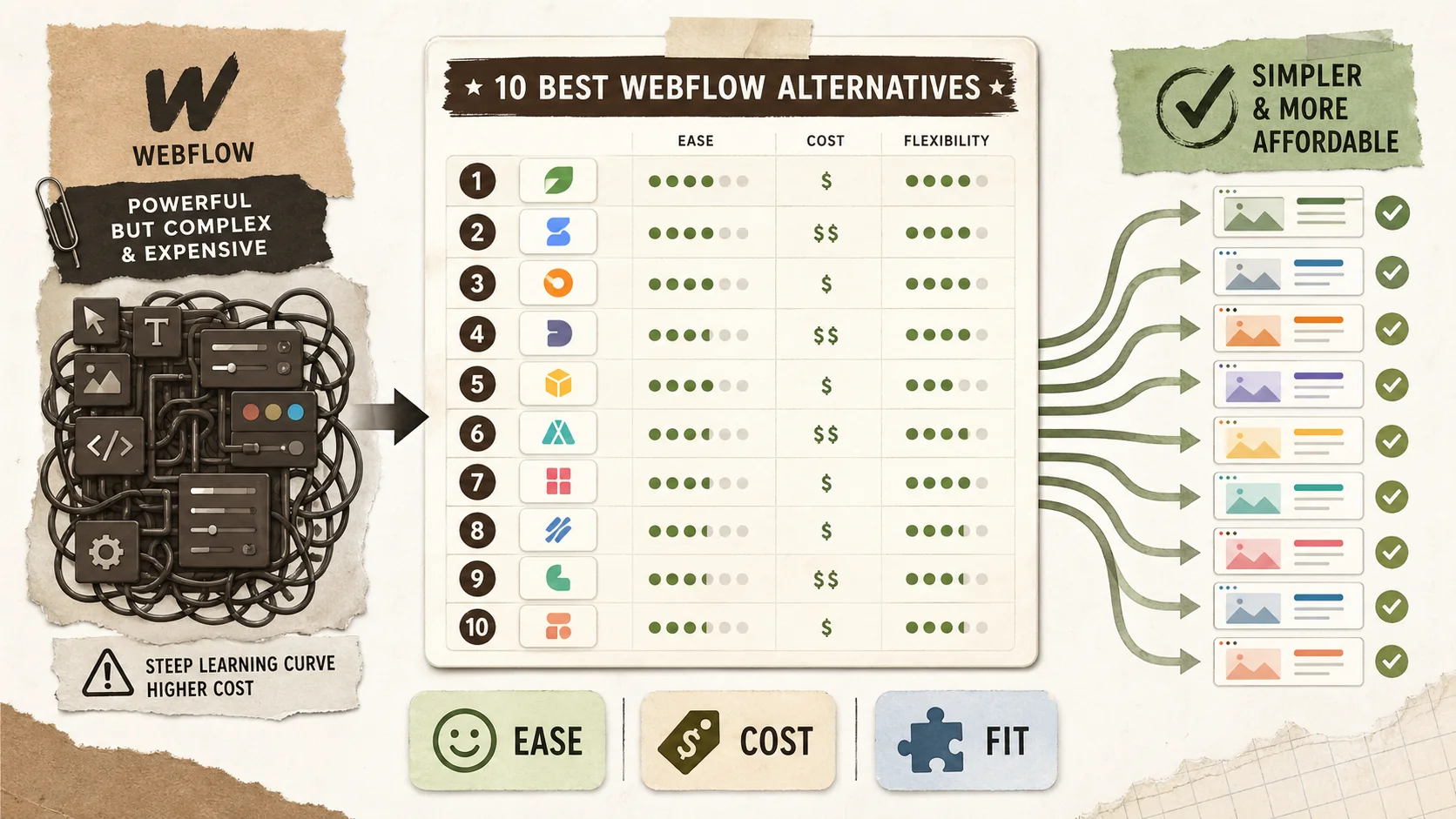
Wix and Squarespace for business sites. Webflow for design-heavy projects (see our Webflow alternatives guide for details). Notion for documentation and simple pages.
Which Alternative Should You Choose?
Short answer: Developers and designers should choose Popout Page for zero-maintenance portfolios. Serious bloggers and publishers should choose Ghost. Writers who prioritize audience reach over brand control should choose Medium or Substack. Only stick with WordPress if you have truly custom requirements that no managed platform can satisfy.
Choose Popout Page if you:
- Need a portfolio with zero maintenance
- Are a developer, designer, or creative professional
- Value your time over WordPress's flexibility
- Want features like CV generation and discovery
Choose Ghost if you:
- Are a serious blogger or publisher
- Want subscription/membership features
- Need more than a portfolio
Choose Medium/Substack if you:
- Primarily write content
- Want built-in audience/distribution
- Don't need your own domain
Stick with WordPress if you:
- Have highly specific custom requirements
- Enjoy the maintenance process
- Need specific WordPress plugins
Frequently Asked Questions
Short answer: Yes, WordPress requires 2-5+ hours of monthly maintenance for updates, security, and troubleshooting. WordPress.com's hosted Business plan ($25/month) still can't match the portfolio-specific features of Popout Page at €90/year. Migration is rarely worth it — starting fresh on a focused tool is faster than transferring WordPress complexity.
Is WordPress really that much work?
For a secure, well-maintained site, yes. Updates, security, backups, and troubleshooting take 2-5+ hours monthly for most sites. Managed alternatives eliminate this entirely.
What about WordPress.com (hosted)?
WordPress.com is simpler but still complex and expensive for what you get. The Business plan ($25/month) is needed for plugins and themes. Popout Page offers more value for portfolios at a lower price.
Can I migrate my WordPress content?
Content can be exported, but for portfolios, Popout Page's 5-minute setup is often faster than migration. You're not copying your WordPress complexity — you're escaping it.
Will I lose customization options?
Popout Page offers enough customization for professional portfolios. You lose the ability to tweak everything, but you gain the freedom from needing to tweak everything.
Final Verdict
Short answer: For portfolio use cases, Popout Page at €90/year delivers better results than WordPress's $500+ true annual cost, with zero maintenance time and portfolio-specific features that WordPress requires multiple paid plugins to replicate. WordPress remains the right choice only for highly custom sites that depend on its unique plugin ecosystem.
WordPress's flexibility comes at the cost of your time and sanity. For portfolios, that trade-off makes no sense — you're spending hours maintaining a site when alternatives deliver better results with zero maintenance.
Popout Page offers what WordPress-for-portfolios users actually want: a professional presence that works without constant attention. At €90/year versus $500+ true cost for WordPress, with time savings measured in hours per month, the choice is clear. Research from G2 shows that managed portfolio platforms have a 94% user retention rate at 12 months, compared to 67% for self-hosted WordPress portfolio sites — largely because maintenance fatigue drives abandonment.
Stop being a website administrator. Start being a professional who happens to have a great portfolio. Need help getting started? Our GitHub Profile README Generator and Developer Bio Generator help you build your online presence in minutes. For step-by-step guidance, see our guide to building a portfolio that converts or learn what happens in the first 5 seconds when a recruiter lands on your portfolio. For more portfolio tips, visit our portfolio hub.
Escape WordPress Maintenance
Zero updates. Zero security patches. Zero hosting hassles.
Other Doved Studio projects
Related tools from the same studio you might find useful:
- Ralphable: Generate structured Claude Code skills that iterate until pass/fail criteria are met.
- Glean: Turn scrolling time into a daily action plan. Capture, process, execute.
- Doved Studio: Studio indie derrière cette app et une dizaine d'autres outils.