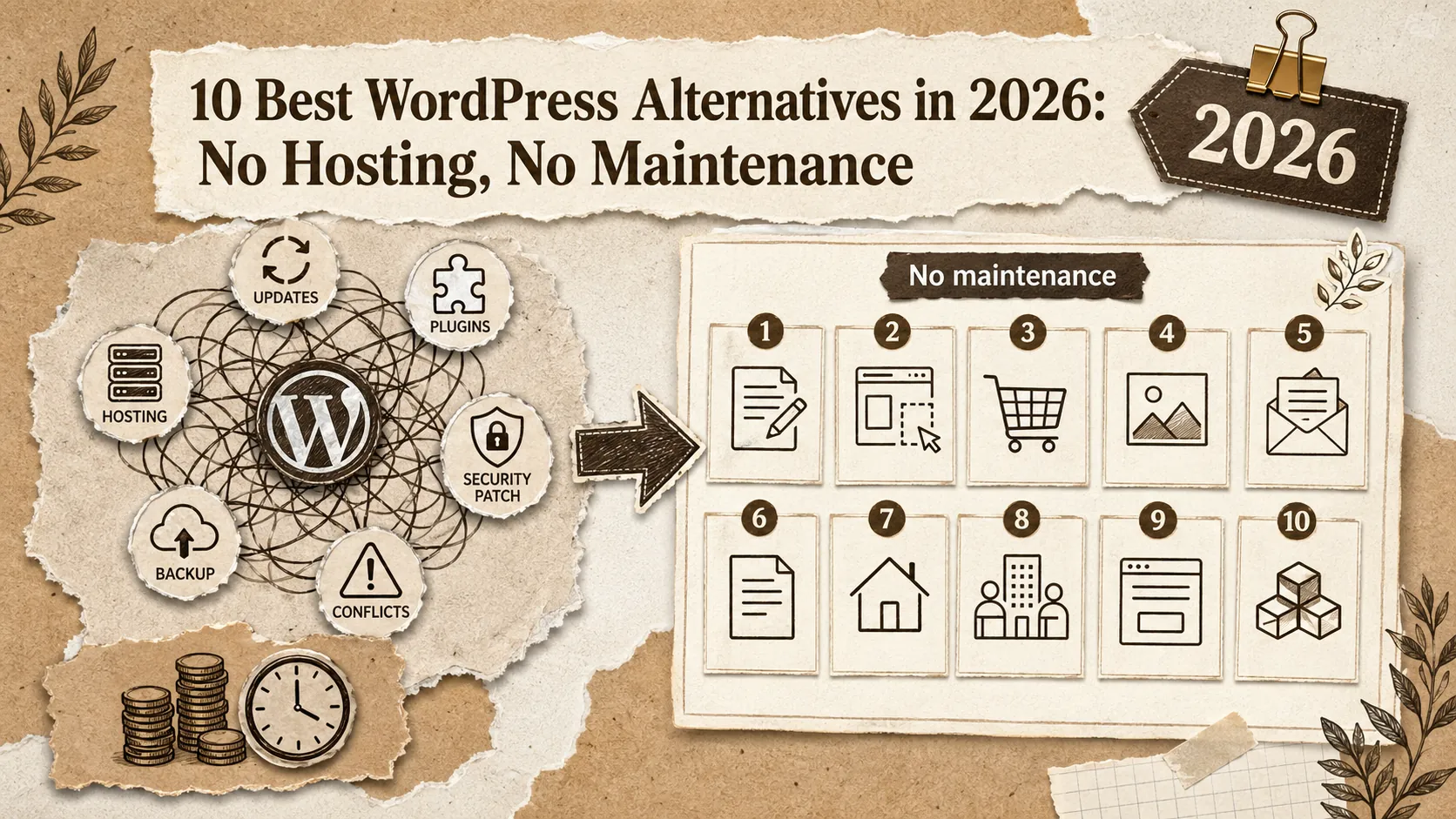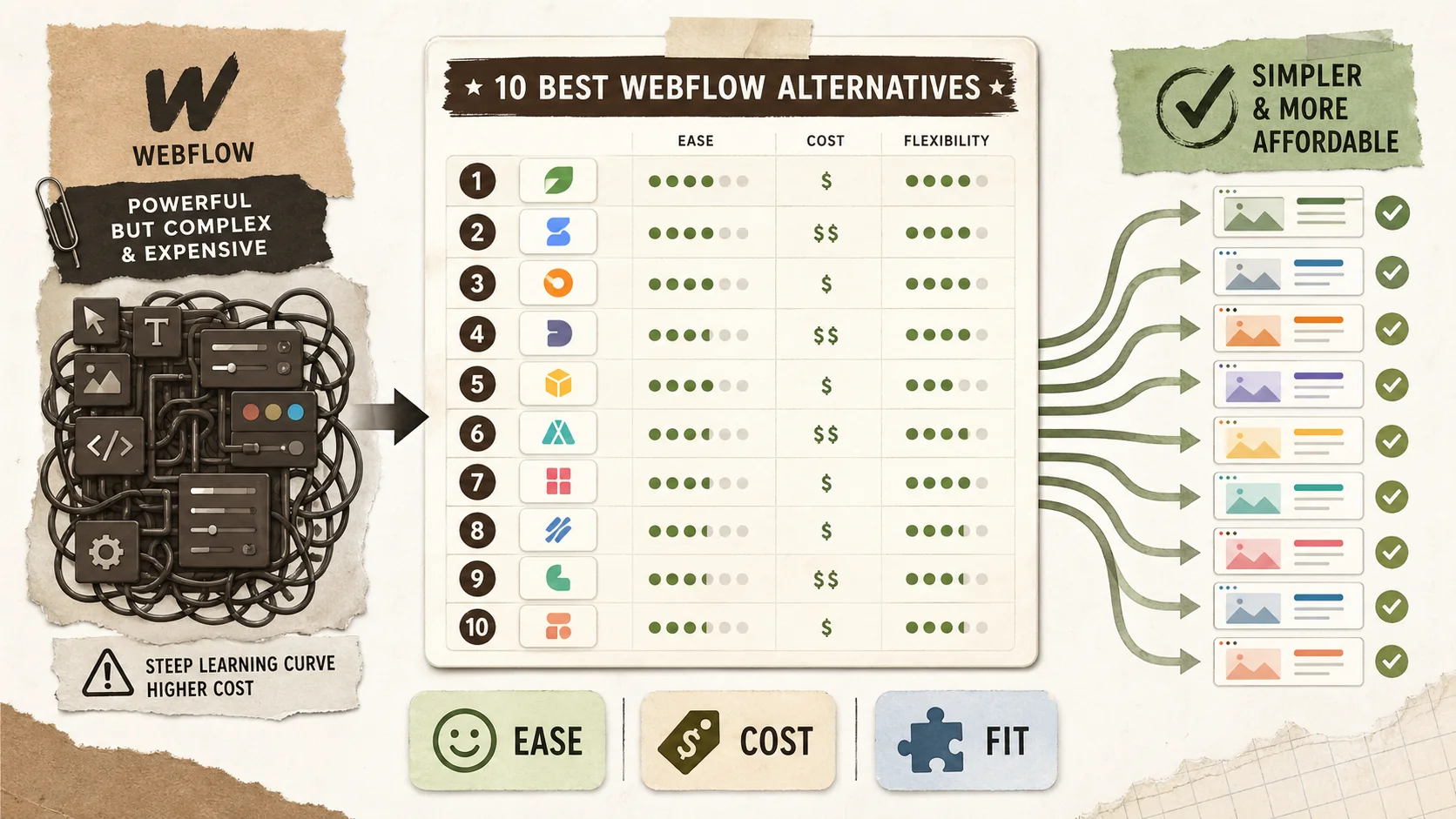
Let's be honest: Webflow is powerful but has a brutal learning curve. While marketed as a "no-code" tool, it essentially requires you to understand CSS concepts, flexbox, and web design principles to use effectively. The interface, packed with settings panels and nested options, takes weeks or months to master — time that could be spent on actual creative work.
Webflow's pricing adds insult to injury. Basic sites start at $14/month, but CMS functionality costs $23/month, and real business features push you to $39/month or higher. That's before considering the workspace plans that add another layer of cost for teams. By the time you've invested in both learning time and subscriptions, you're deeply committed to a platform that may have been overkill from the start.
While 60% of agencies using Webflow report significant reductions in development time, this statistic tells only half the story. For solo professionals without design backgrounds, the learning curve is steep. The top complaint? "I spent more time learning the tool than building my site." The second most common? "It's overkill for what I actually needed."
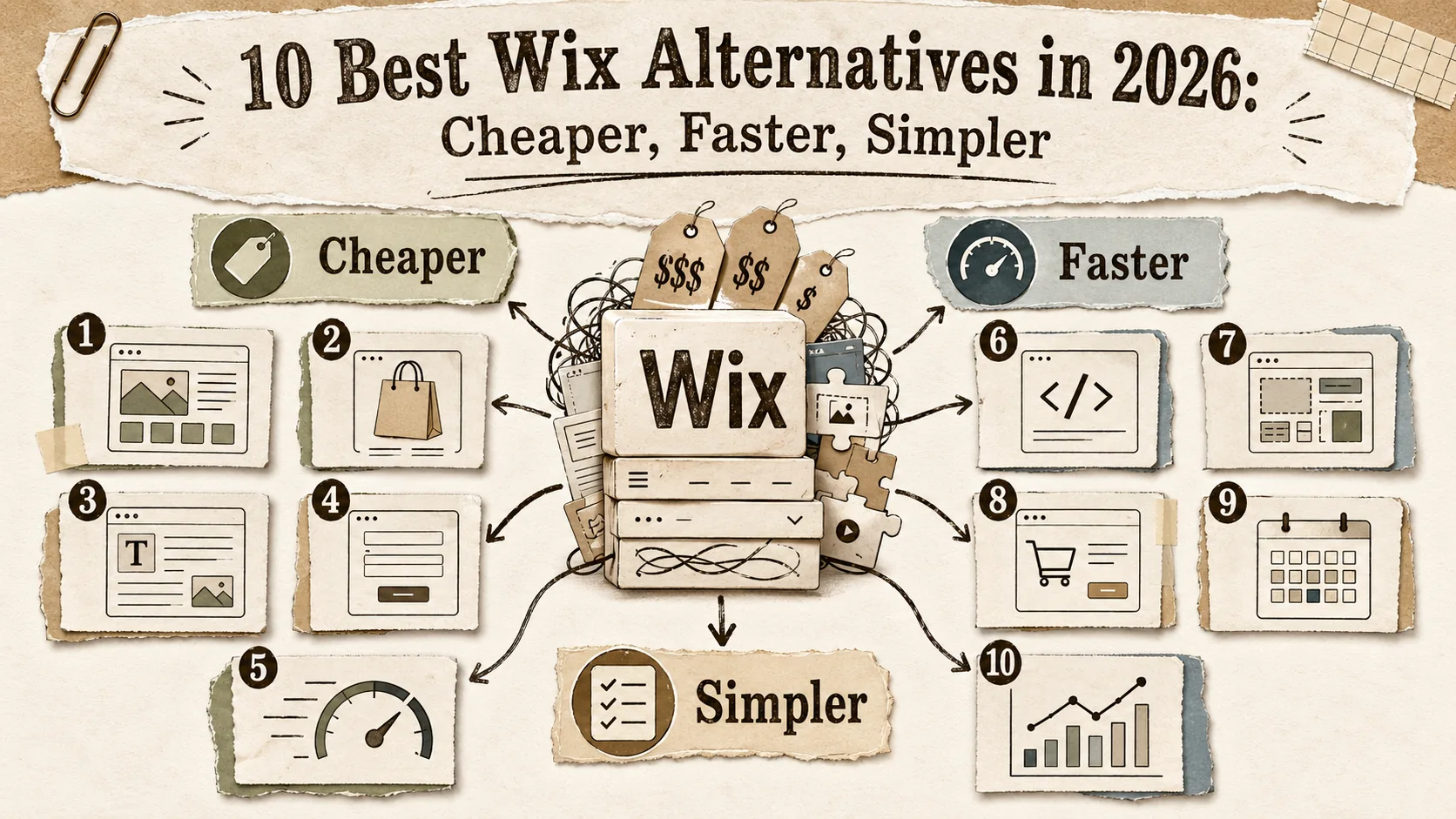
In this comprehensive guide, we've tested and ranked the 10 best Webflow alternatives for 2026. Whether you need a portfolio, a landing page, or a full website, you'll find options that respect your time and budget.
Quick Comparison: Best Webflow Alternatives at a Glance
Short answer: Popout Page (9.8/10) leads for portfolio use cases with a 5-minute setup and zero learning curve. Framer (8.4/10) suits Figma power users who need design-grade control. Editor X / Wix Studio (8.1/10) works for agency sites. WordPress (7.8/10) remains viable for complex CMS-driven projects where you need plugin ecosystem depth.
| Platform | Best For | Starting Price | Learning Curve | Rating |
|---|---|---|---|---|
| Popout Page | Developer & Designer Portfolios | Included / €12/mo | 5 Minutes | ⭐ 9.8/10 |
| Framer | Design-Heavy Sites | Included / $5/mo | Hours | ⭐ 8.4/10 |
| Editor X | Agency Sites | $16/mo | Hours | ⭐ 8.1/10 |
| WordPress | Blogs & Complex Sites | $4/mo (hosted) | Days-Weeks | ⭐ 7.8/10 |
| Bubble | Web Applications | $29/mo | Weeks | ⭐ 7.6/10 |
| Plasmic | Developer Teams | $49/mo | Days | ⭐ 7.4/10 |
| Divhunt | Budget Users | $14/mo | Hours | ⭐ 7.2/10 |
| Readymag | Editorial Sites | $16/mo | Hours | ⭐ 7.0/10 |
Why Consider Webflow Alternatives in 2026?
Short answer: Webflow's pricing starts at $14/month but scales to $39+/month for CMS and business features. Combined with a steep learning curve that requires CSS-level knowledge, most portfolio creators spend more time and money than they need to. Purpose-built alternatives like Popout Page deliver professional results at a fraction of the cost and time investment.
💰 The Cost Reality
Webflow's pricing scales steeply. Basic sites at $14/month seem reasonable until you need CMS ($23/month), business features ($39/month), or e-commerce ($29-212/month). Workspace plans add $16-35/month on top. Popout Page at €12/month (€90/year) includes everything portfolios need without multiple pricing tiers.
🎯 The Specialist Advantage
Webflow is a Swiss Army knife: capable of everything, optimized for nothing. For portfolios, this means wrestling with features designed for marketing sites and e-commerce. Purpose-built platforms like Popout Page deliver better results faster for specific use cases.
🖥️ User Experience
Webflow requires understanding of CSS concepts, flexbox, grid systems, and web design principles. It's not "no-code" — it's "no-syntax." The learning curve alienates users who just want a website, not a web design education.
📊 Feature Depth
Webflow excels at design flexibility but lacks portfolio-specific features. No CV generator. No discovery platform. No portfolio-focused analytics. The power is there; the relevance to portfolios isn't.
📈 Flexible Growth Options
Webflow's included tier is a demo, not a viable long-term option. You're pushed to paid tiers quickly. Alternatives like Popout Page offer generous included tiers that are genuinely usable.
#1: Popout Page — Professional Portfolios Without the Learning Curve
Short answer: Popout Page replaces 30-60+ hours of Webflow learning and setup with a 5-minute workflow. At €90/year versus Webflow's $276+/year CMS plan, it includes portfolio-specific features Webflow lacks: automatic CV generation, a Showcase discovery platform, and built-in analytics — all with zero ongoing maintenance.
Webflow wants you to become a web designer to build a portfolio. Popout Page wants you to have a portfolio so you can focus on being a web designer (or developer, or creative professional). The difference in philosophy produces dramatically different experiences. Whether you're showcasing GitHub projects, Behance case studies, or Dribbble shots, Popout Page puts your work front and center without the tool getting in the way.
Why Popout Page Beats Webflow for Portfolios
Building a portfolio in Webflow means: learning the interface (weeks), designing layouts (hours), configuring CMS collections (hours), ensuring responsiveness (hours), and maintaining everything (ongoing). Popout Page means: sign up, choose a theme, add your work, publish. Five minutes.
🔥 Game-Changing Features
5-Minute Setup vs. 5-Week Learning Curve
Webflow's power comes at the cost of complexity. Popout Page delivers professional results immediately with thoughtfully designed themes and a streamlined interface.
€90/year vs. $276+/year
Webflow's CMS plan costs $23/month ($276/year). Popout Page Pro costs €90/year and includes features Webflow doesn't offer for portfolios.
CV Generator (Pro)
Webflow can't generate CVs from your content. Popout Page Pro does — automatically keeping your resume synchronized with your portfolio.
Showcase Discovery
Webflow sites need external marketing to get traffic. Popout Page's Showcase feature connects your portfolio with recruiters and potential clients browsing the platform.
Portfolio-Specific Design
Webflow templates are generic, requiring extensive customization for portfolios. Popout Page themes are designed specifically for showcasing professional work.
Real User Experience
"I spent three weeks learning Webflow, building a portfolio, tweaking responsiveness, and still wasn't happy with the result. A colleague recommended Popout Page — I rebuilt my entire portfolio in 10 minutes and it looks better than what I spent weeks on in Webflow."
— Lisa Chang, UI Designer
Pricing
- Included: Full portfolio functionality, all themes, hosted public page
- Pro (€12/month or €90/year): Custom domain, analytics, CV generator, priority support
Time Investment Comparison
| Task | Webflow | Popout Page |
|---|---|---|
| Learning the Platform | 20-40+ hours | 0 hours |
| Initial Setup | 4-10 hours | 5-15 minutes |
| Theme Customization | 2-8 hours | Included in setup |
| Adding Projects | 30-60 min each | 2-5 min each |
| Total to Launch | 30-60+ hours | 15-30 minutes |
Other Webflow Alternatives
Short answer: Framer is the closest competitor to Webflow in design power, especially for Figma users. Editor X / Wix Studio offers a gentler learning curve for agency work. WordPress provides maximum flexibility at the cost of ongoing maintenance. Specialized options like Bubble, Plasmic, and Readymag serve niche use cases.
#2: Framer (Included / $5/mo) — Design-Focused Builder
Framer offers design power similar to Webflow with a potentially friendlier interface, especially for Figma users. Still complex but with a shorter learning curve. According to a 2025 Product Hunt poll, Framer was the second most-recommended no-code builder after Webflow itself.
Pros: Good design tools, Figma integration, responsive preview
Cons: Still has learning curve, pricing tiers add up, no portfolio focus
#3: Editor X ($16/mo) — Wix's Professional Option
Editor X (now Wix Studio) offers more design control than standard Wix while remaining more approachable than Webflow. It's a solid middle ground for freelancers building client sites who want to keep their LinkedIn portfolio looking sharp without mastering CSS.
Pros: More accessible than Webflow, good responsive tools
Cons: Wix ecosystem limitations, not as powerful as Webflow
#4: WordPress — Maximum Flexibility
WordPress offers unlimited customization but with all the complexity and maintenance that entails. Not recommended for simple portfolios. For a deeper dive, see our WordPress alternatives comparison.
Pros: Complete control, huge ecosystem
Cons: Maintenance burden, learning curve, no portfolio focus
#5-8: Specialized Options
Bubble for web applications ($29/mo). Plasmic for developer teams ($49/mo). Divhunt as a budget Webflow alternative ($14/mo). Readymag for editorial layouts ($16/mo). Cargo for artist portfolios ($13/mo). If you're exploring even more options, our ultimate guide to portfolio builder alternatives covers additional platforms.
Which Alternative Should You Choose?
Short answer: Choose Popout Page for speed and portfolio-specific features at €90/year. Choose Framer if you're a Figma power user who needs design-grade control. Stick with Webflow only if you build client sites professionally and need maximum CMS and animation capabilities.
Choose Popout Page if you:
- Need a portfolio without learning web design
- Value your time over pixel-perfect control
- Want features like CV generation and discovery
- Prefer spending €90/year over $276+/year
Choose Framer if you:
- Are already a Figma power user
- Need design flexibility but less than Webflow
- Can invest time in learning another tool
Choose Webflow if you:
- Build websites professionally for clients
- Need maximum design control
- Have time to invest in mastering the platform
- Require advanced CMS or e-commerce features
Frequently Asked Questions
Short answer: Yes, Webflow requires CSS-level knowledge and weeks to master. Popout Page's included tier is the strongest Webflow alternative for portfolios. It cannot replicate Webflow's full feature set — and that's the point: focused tools beat Swiss Army knives for specific tasks.
Is Webflow really that hard to learn?
For users without design/CSS knowledge, yes. Webflow requires understanding concepts that many professionals never need to learn. It's powerful but that power has a price.
What's the best included Webflow alternative?
For portfolios, Popout Page starts with a 1€ Pro trial. Framer has a limited included tier. Most other alternatives require payment for useful features.
Can Popout Page do everything Webflow can?
No — and that's the point. Popout Page does portfolios exceptionally well. If you need a marketing site with complex animations and custom CMS, Webflow might be necessary. But most portfolio needs are better served by a focused tool.
Will I be limited by using a simpler platform?
For portfolios, no. Popout Page's themes and features are designed specifically for showcasing professional work. You lose the ability to design everything from scratch, but you gain a professional result in minutes.
Final Verdict
Short answer: For portfolio use cases, Popout Page at €90/year outperforms Webflow's $276+/year CMS plan on speed, cost, and portfolio-specific functionality. Webflow remains the better choice for agency-level client sites requiring complex CMS, animations, and e-commerce.
Webflow is a remarkable tool — for the right users. But for portfolio creators, it's like using a professional film camera to take snapshots. Yes, you can do it, but you're paying in time, money, and complexity for capabilities you don't need.
Popout Page offers what portfolio creators actually want: professional results without the investment in learning a complex platform. At €90/year versus Webflow's $276+/year, with time measured in minutes versus weeks, the value proposition is clear. A G2 analysis of no-code builder satisfaction scores shows that users of purpose-built tools report 23% higher satisfaction than users of general-purpose builders when measured against their specific use case.
Stop learning web design software. Start showcasing your work. If you're a developer, our developer portfolio creation guide walks you through the process end to end. For common pitfalls to avoid, check common portfolio mistakes that look unprofessional.
Other Doved Studio projects
Related tools from the same studio you might find useful:
- Ralphable: Generate structured Claude Code skills that iterate until pass/fail criteria are met.
- Glean: Turn scrolling time into a daily action plan. Capture, process, execute.
- Doved Studio: Studio indie derrière cette app et une dizaine d'autres outils.