LinkedIn Profile Portfolio Link: 7 Above-the-Fold Examples That Make Recruiters Click


Short answer: LinkedIn can make you discoverable, but your portfolio link must make the click obvious and worthwhile. Put the strongest proof near the top, match the link to the visitor's intent, and make the destination answer "why you?" faster than a resume can.
public search-demand data showed high US interest for "LinkedIn profile" and related portfolio website searches before this article was written. That is not surprising. People are polishing profiles, but many still waste the one click that could show real work.
Sources checked
- LinkedIn Help, add or remove a website from your profile
- LinkedIn Help, public profile visibility
- LinkedIn Help, what people can see on your profile
- Nielsen Norman Group, how users read on the web
The link is a promise
When someone clicks your portfolio from LinkedIn, they expect proof. Not a moodboard. Not a full autobiography. Proof. The page should confirm your role, show your best work, explain the result, and offer a next step.
The mistake is treating the link like storage. "Here is everything about me" is weaker than "Here is the one page that proves I can do this job."
The seven examples
| Person | LinkedIn link promise | Portfolio first proof |
|---|---|---|
| Junior developer | "See shipped projects" | One live app, GitHub, stack, lesson learned |
| Designer | "View case studies" | Before/after, constraints, final screens |
| Data analyst | "Explore dashboards" | One dashboard, business question, insight |
| Marketer | "See campaign results" | Offer, channel, metric, creative sample |
| Freelancer | "Book a project fit call" | Service, proof, price signal, contact |
| Student | "See portfolio projects" | Two serious projects, not class clutter |
| Creator | "Watch best work" | Three strongest pieces and email capture |
Each example has a different first proof. That is the point. A portfolio page should not be a generic link pile.
Where the link should point
LinkedIn gives multiple places where a website or proof link can appear depending on account features, profile sections, contact info, featured content, and public visibility settings. The exact UI can change, so the practical rule is simple: make one destination page strong enough that any placement works.
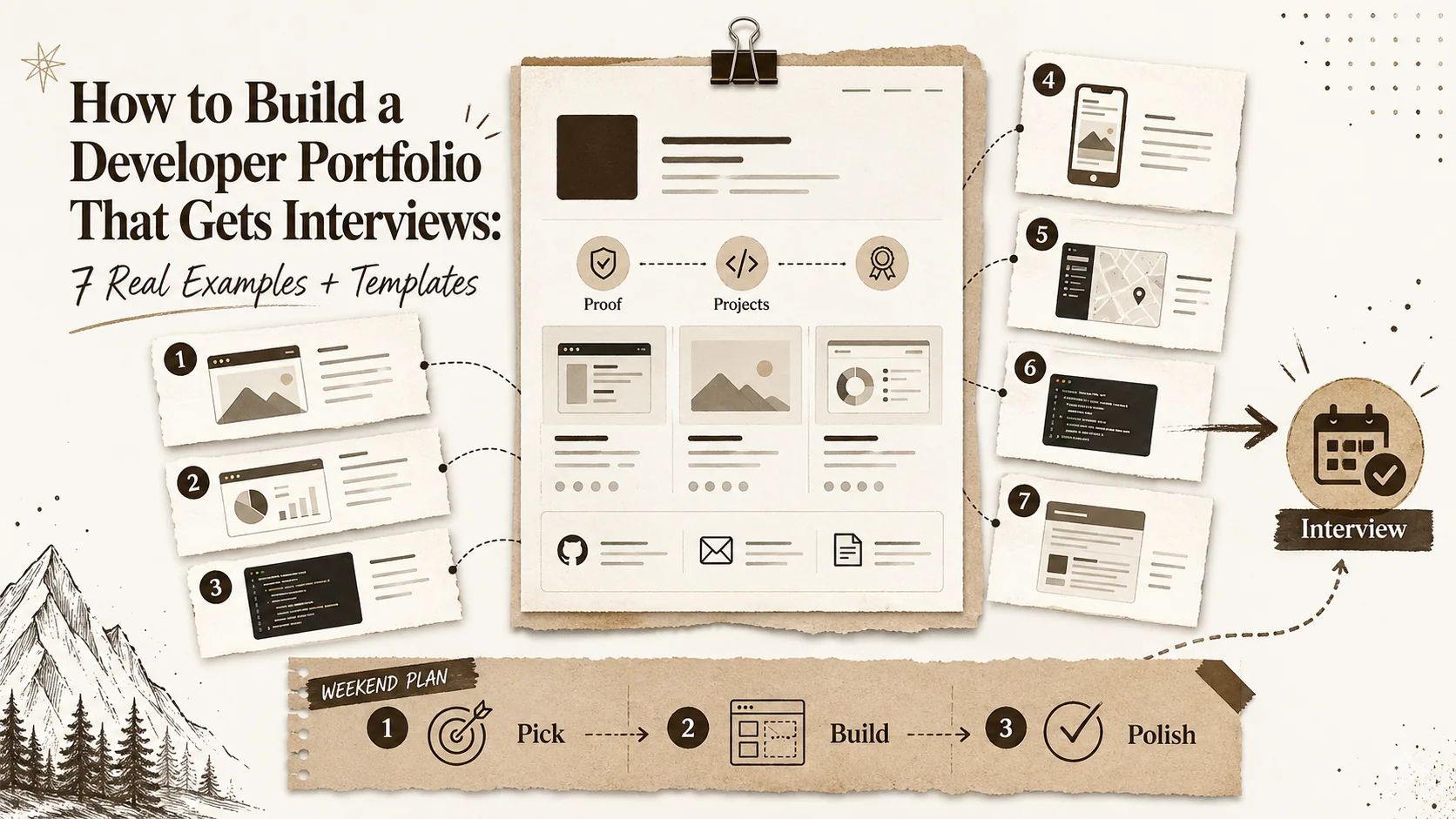
If the click lands on a Popout page, the top screen should answer four things:
- Who are you?
- What do you do?
- What proof should I trust first?
- What should I click next?
If the page needs a paragraph of explanation before any proof appears, it is starting too slowly.
Above the fold structure
Use this layout:
- Name and role.
- One sentence positioning.
- One featured proof block.
- Three priority links.
- Contact or call-to-action.
Do not put ten social icons first. Do not lead with a giant inspirational quote. Do not hide your best project below a "more about me" essay. Recruiters scan. Clients scan. Everyone scans.
What to put in the featured proof block
The proof block can be a screenshot, a shipped URL, a metric, a case study, a writing sample, a dashboard, a demo video, or a testimonial. It should be specific enough that the visitor can remember it.
"Built SaaS tools" is forgettable. "Built a Stripe billing migration that reduced failed payments by 18%" has gravity. Popout should help you package that gravity without turning the page into a full website project.
Public visibility and maintenance
Check how your profile appears when logged out. LinkedIn's public profile visibility settings affect what non-members and search engines can see. Your portfolio page is partly a hedge against platform limits: it gives you a controlled public surface even when profile sections are compressed.
Update the portfolio quarterly. A stale portfolio linked from a current LinkedIn profile creates doubt. A current one creates momentum.
The cleanup checklist
Remove dead links. Put your strongest proof first. Rewrite the headline so a stranger understands you in five seconds. Add one screenshot. Add one result. Make contact obvious. Then ask a friend what role they think you want. Their answer is your real positioning.
Read next: /blog/portfolio-website-vs-linkedin-2026, /blog/about-me-alternatives-portfolio-page-2026, and /blog/personal-website-checklist.
FAQ
Should my LinkedIn link go to my homepage or portfolio?
If you are job hunting or selling services, send it to the clearest proof page, not a vague homepage.
How many projects should appear first?
One strongest project first, then two or three supporting links.
Do I need a custom domain?
It helps, but clarity matters more than domain polish.
What is the biggest mistake?
Making the visitor choose from too many equal links before seeing proof.
Written by
Popout Team
Content Team