Linktree vs Carrd 2026: Which Bio Link Builder Actually Converts?


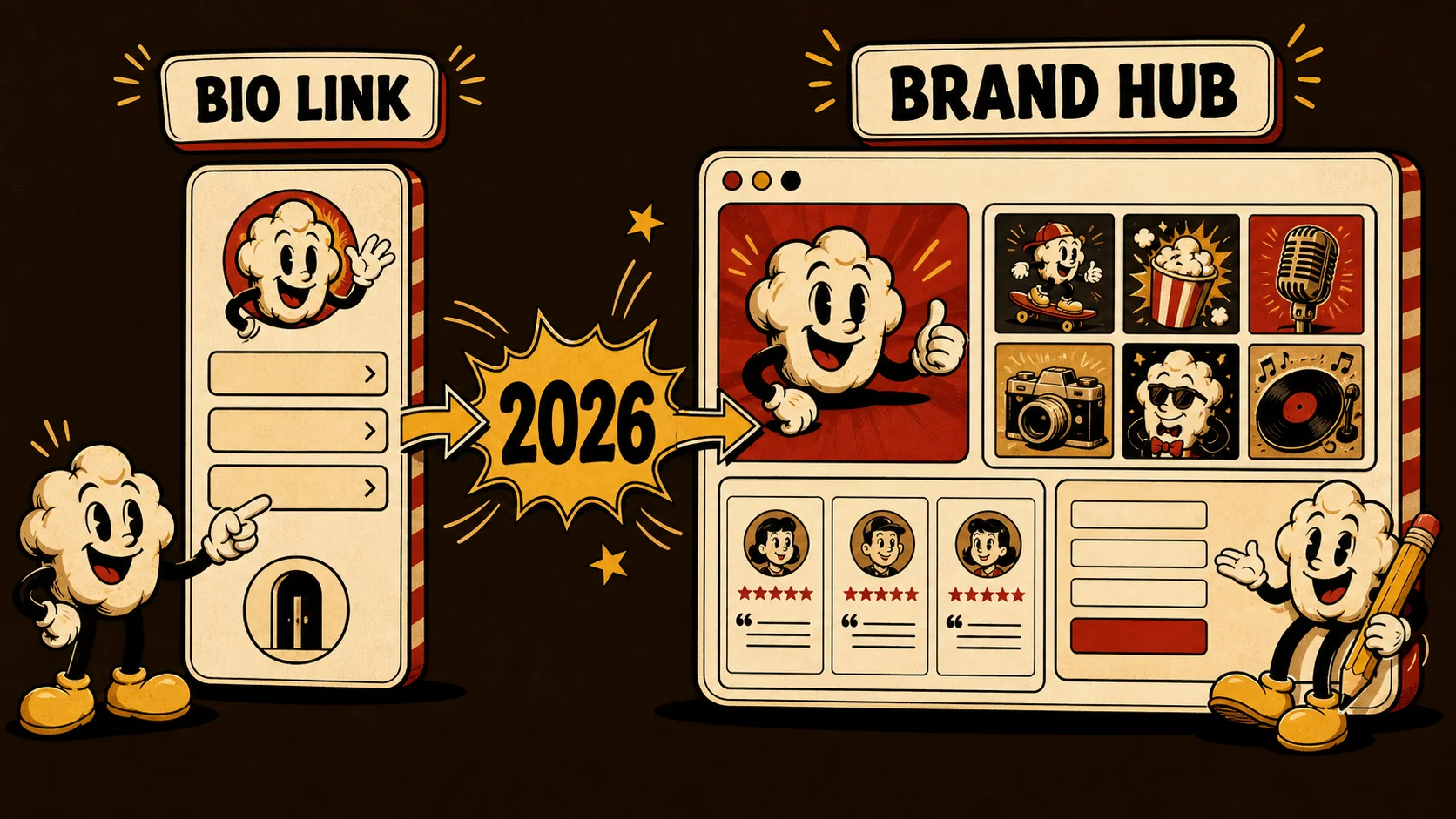
Linktree and Carrd sit at opposite ends of the bio link spectrum. One is a vertical link list with 50 million users. The other is a one-page site builder used by designers, freelancers, and indie makers who want full layout control. Both claim to help you convert visitors. But in 2026, the data tells a sharper story about which tool actually delivers.
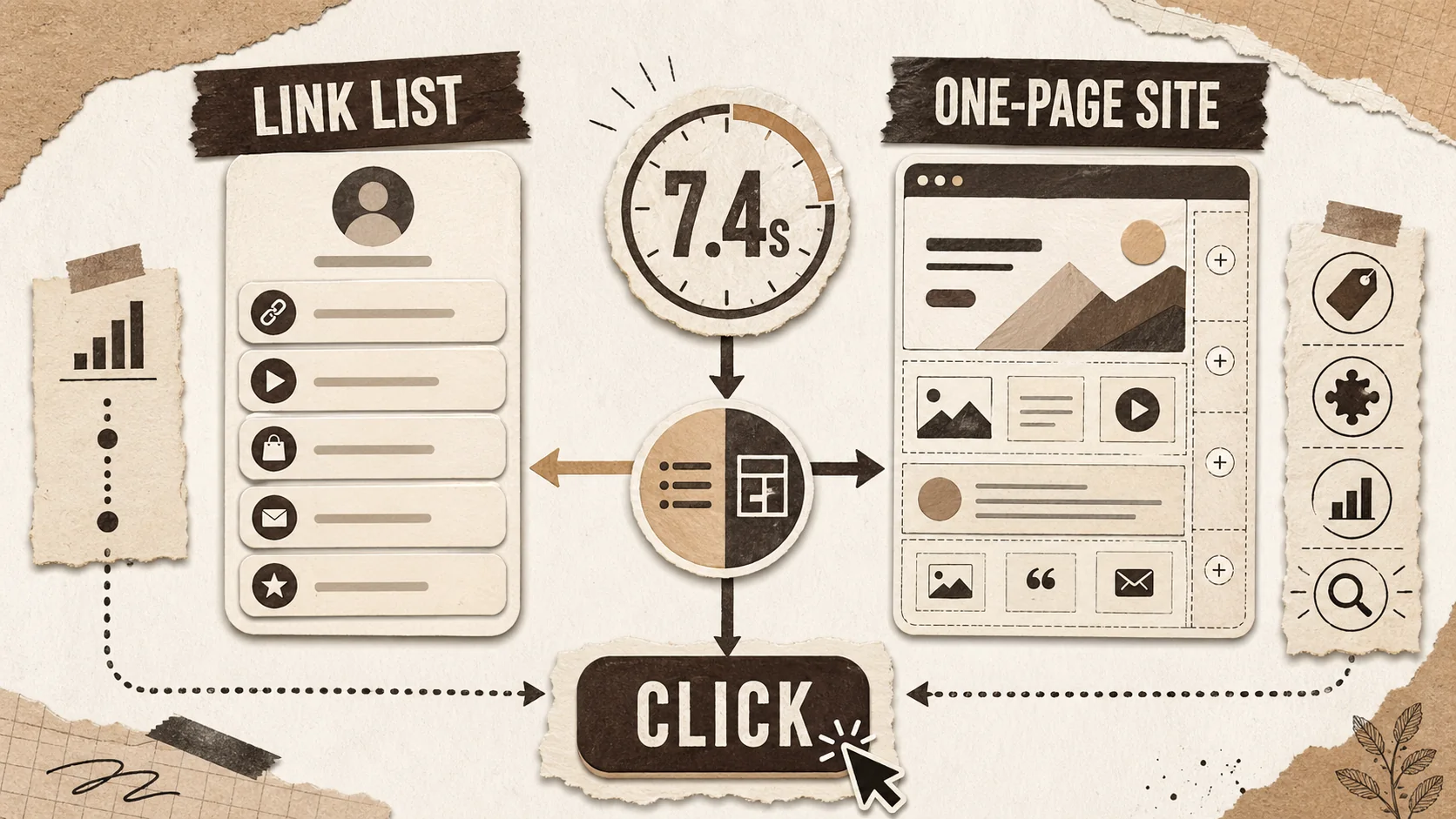
According to LinkedIn's 2025 Global Talent Trends report, 79% of recruiters review a candidate's online presence before making contact. The average time spent on that first look? 7.4 seconds, per Ladders' eye-tracking research. In that window, your bio link page needs to communicate who you are, what you do, and why someone should care. The tool you build it with determines whether that 7.4-second scan ends in a click or a bounce.
This comparison breaks down Linktree vs Carrd across every dimension that matters: pricing, customization, analytics, SEO, mobile experience, and — most importantly — conversion performance. We also address where neither tool is the right answer, and what to use instead.
What this guide covers:
- Head-to-head feature comparison table
- Real pricing breakdowns for every tier
- SEO and discoverability analysis
- Conversion data from portfolio click-through studies
- FAQ section with the most common switching questions
The Quick Verdict
Short answer: Linktree wins for speed and simplicity — you can have a functional link page in under 2 minutes. Carrd wins for customization and cost — $19/year gets you more design control than Linktree's $24/month Premium tier. Neither is built for portfolio-driven conversion. If you need to showcase work, present case studies, and convert visitors into opportunities, a purpose-built tool like Popout gives you that capability without the tradeoffs.
Linktree vs Carrd: Full Feature Comparison
The table below compares every feature that matters for professionals choosing between these two platforms in 2026.
| Feature | Linktree | Carrd |
|---|---|---|
| Included Tier | Yes (limited themes, Linktree branding, basic links) | Yes (3 sites, no custom domain, Carrd branding) |
| Paid Pricing | Starter $5/mo, Pro $9/mo, Premium $24/mo | Pro Lite $9/yr, Pro Standard $19/yr, Pro Plus $49/yr |
| Custom Domain | Premium only ($24/mo) | Pro Standard ($19/yr) |
| Layout Flexibility | Fixed vertical link list | Full page builder with sections, columns, media |
| Templates | 30+ themes (color/font only) | 100+ templates (full layout control) |
| SEO Control | Meta title/description only (Pro+). No sitemap, no indexing control. | Full meta tags, OG images, custom slugs. Pages are indexable. |
| Analytics | Included: views/clicks. Pro: device, location, referrals. Premium: conversion tracking. | None built-in. Requires Google Analytics or Plausible embed on Pro. |
| Forms / Email Capture | Mailing list lock (Pro+) | Native forms, Mailchimp/ConvertKit integrations (Pro) |
| Monetization | Commerce links, tip jar, request links | Stripe/PayPal/Gumroad embeds (Pro) |
| Mobile Responsiveness | Excellent (mobile-first design) | Good (responsive but requires manual testing per template) |
| Page Load Speed | Fast (sub-1s on average) | Fast (static HTML, typically sub-1.5s) |
| Portfolio Showcase | No (link list only) | Partial (image galleries, embeds, but no native project cards) |
| Custom CSS/Code | No | Yes (Pro Standard+) |
| Multi-page Sites | No (single page only) | No (one-page sites only, but Pro Plus allows 25 sites) |
Pricing: The Cost Difference Is Massive
Linktree Pricing in 2026
Linktree's pricing page offers four tiers. The included plan gives you unlimited links with Linktree branding and zero analytics. Starter at $5/month adds basic themes and a QR code. Pro at $9/month unlocks analytics, custom backgrounds, and mailing list features. Premium at $24/month adds custom domains, priority support, and conversion tracking. Annually, Pro costs $108 and Premium costs $288.
Carrd Pricing in 2026
Carrd's pricing is dramatically lower. Pro Lite at $9/year gives you custom domains and removes branding on up to 3 sites. Pro Standard at $19/year adds forms, embeds, Google Analytics, custom code, and up to 10 sites. Pro Plus at $49/year scales to 25 sites with all features. That means Carrd Pro Standard costs less per year than a single month of Linktree Premium.
The Annual Math
For a freelancer or creator who needs a custom domain, analytics, and email capture, the comparison is stark. Linktree Pro plus a custom domain requires Premium at $288/year. Carrd Pro Standard delivers all three for $19/year. That is a 93% cost savings — $269/year back in your pocket. Even if you need 25 sites on Carrd Pro Plus, you are paying $49/year versus $288/year for a single Linktree Premium page.
Customization: Two Completely Different Philosophies
What Linktree Looks Like
Every Linktree page follows the same structure: your profile photo at the top, your name, a short bio, then a vertical stack of rectangular buttons linking out to your content. Premium users can swap background images, adjust button shapes, and change fonts. But the layout is locked. You cannot move elements laterally, create sections, embed media inline, or build any kind of visual hierarchy beyond "top button gets seen first." The result is that most Linktree pages look functionally identical. Scroll any creator's link page — it is buttons, top to bottom, on a colored background.
What Carrd Looks Like
Carrd gives you a blank canvas. Templates range from single-screen splash pages to multi-section scrolling sites with parallax effects, image backgrounds, embedded videos, countdown timers, and contact forms. You control typography, spacing, colors, animations, and responsive behavior. With custom CSS on Pro Standard, you can override anything. The tradeoff is time: building a polished Carrd page takes 30 minutes to 2 hours, versus 2 minutes on Linktree. And without design skills, a Carrd page can look worse than a Linktree default.
Which Approach Converts Better
According to a HubSpot study on landing page design, pages with a clear visual hierarchy and a single primary CTA convert 27% better than pages with multiple equal-weight options. Linktree's equal-weight button list violates this principle by design — every link competes for attention. Carrd lets you build hierarchy, but only if you know how. For professionals building a personal brand, the ability to guide visitor attention is not optional. It is the mechanism that turns a page view into an opportunity.
Analytics: Linktree Leads, But With Caveats
Linktree's Analytics Dashboard
Linktree's built-in analytics are its strongest feature relative to Carrd. On Pro, you get click-through rates per link, device breakdown (mobile vs desktop), geographic location data, referral sources (Instagram, TikTok, Twitter, direct), and time-series views. Premium adds conversion tracking and the ability to set goals. For creators running campaigns across platforms, this data is actionable — you can see which platform drives the most clicks and optimize accordingly.
Carrd's Analytics Gap
Carrd has no built-in analytics. Zero. On the included plan, you are completely blind. On Pro Standard and above, you can embed Google Analytics, Plausible, Fathom, or other tracking scripts. This gives you more powerful analytics than Linktree's dashboard (full GA4 funnel tracking, custom events, audience segments), but it requires setup. If you are comfortable with Google Analytics, Carrd's approach is technically superior. If you want analytics out of the box with no configuration, Linktree wins.
What Actually Matters for Conversion Tracking
The Jobvite 2025 Recruiter Nation Survey found that 67% of recruiters use social media profiles to evaluate candidates, but only 12% click through to external links. That 12% click-through rate is your conversion funnel. If you are using your bio link to land jobs or clients, you need to know: where did the visitor come from, what did they click, and did they take action? Linktree gives you partial answers natively. Carrd gives you complete answers — if you set up the tracking yourself. For a proper portfolio analytics strategy, both require supplementing with external tools.
SEO: Carrd Wins, and It Is Not Close
Linktree's SEO Problem
Linktree pages live at linktr.ee/yourname. Google indexes these pages as part of Linktree's domain, not yours. You cannot build domain authority. You cannot target keywords. You cannot submit a sitemap. You cannot control canonical URLs. According to Moz's 2025 search ranking factors study, domain authority remains the single strongest predictor of search visibility. Every month you spend building content on a Linktree subdomain is a month you are investing in Linktree's SEO, not your own.
Carrd's SEO Advantage
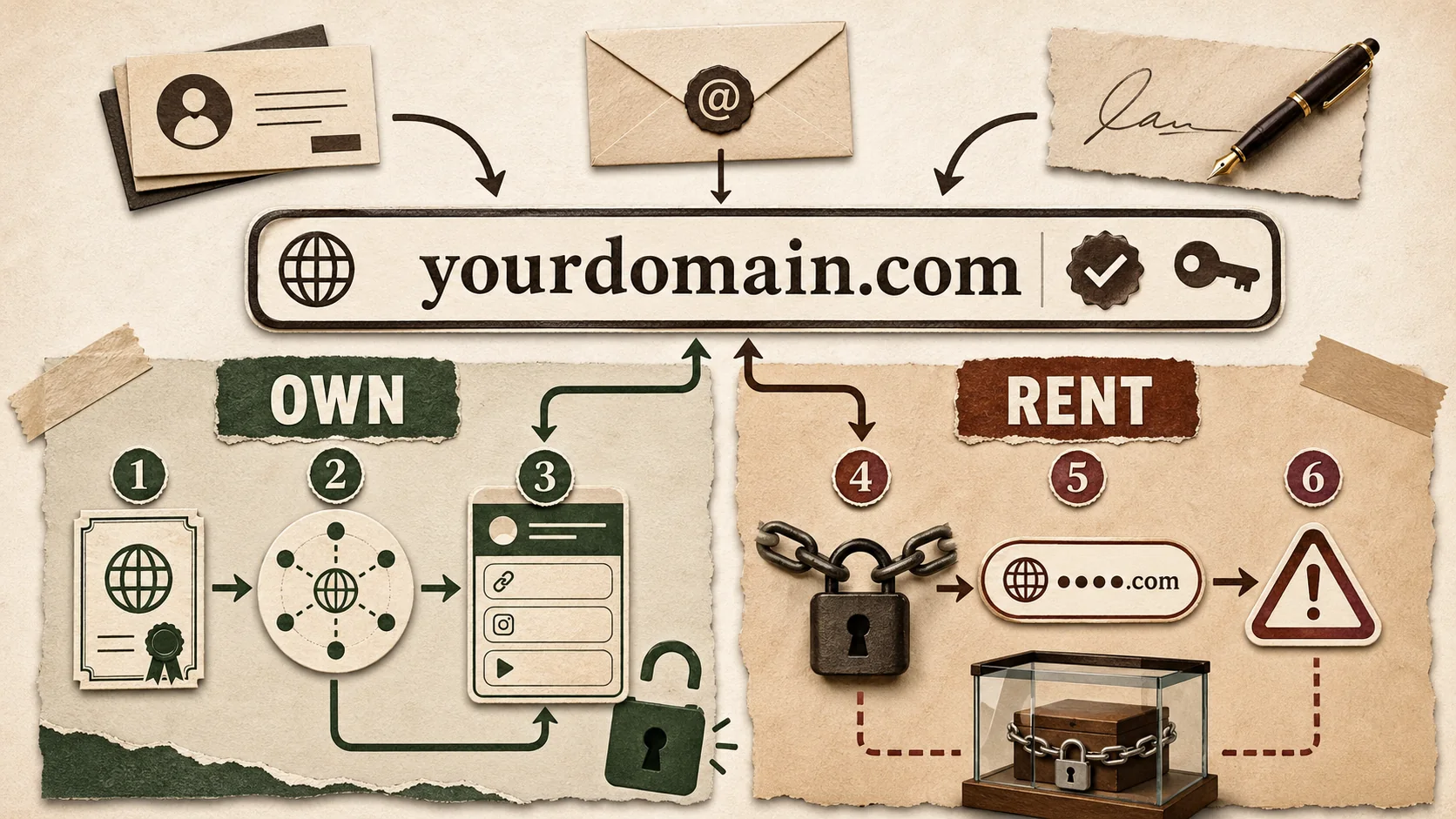
Carrd Pro Standard lets you connect a custom domain. Your page lives at yourname.com, building your own domain authority with every visit and backlink. You control meta titles, meta descriptions, OG images, and page slugs. Carrd generates clean, semantic HTML that search engines can crawl efficiently. You can add structured data via custom code injection. For anyone serious about being discoverable through search — freelancers, agencies, job seekers — this is a fundamental advantage.
The Domain Authority Gap in Practice
A Backlinko analysis of 11.8 million Google search results found that the number 1 result in Google has an average domain authority of 70+. Linktree's domain authority is high (DA 91), but that authority belongs to Linktree — your individual page inherits almost none of it. A personal domain with even DA 15-20, built over 6 months of consistent content, will outrank a Linktree page for your own name in most cases. If you are investing in your personal branding strategy, owning your domain is non-negotiable.
Mobile Experience: Both Good, Different Strengths
Linktree on Mobile
Linktree was built mobile-first. The vertical button layout translates perfectly to phone screens. Buttons are large, tappable, and spaced well. Load times are consistently under 1 second. The experience is identical whether someone taps your link from Instagram, TikTok, or a text message. There is nothing to break because there is nothing complex to render. This simplicity is a genuine strength for social media creators whose audience is 90%+ mobile.
Carrd on Mobile
Carrd sites are responsive, but responsiveness depends on the template and your design choices. A well-built Carrd page looks excellent on mobile — clean typography, smooth scrolling, properly stacked sections. A poorly built one has text overflows, broken layouts, and buttons too small to tap. Carrd does not enforce mobile-safe design, so the quality of the mobile experience is entirely on you. According to Google's mobile usability guidelines, tap targets should be at least 48x48 CSS pixels with 8px spacing — guidelines that Linktree follows by default but Carrd leaves to the builder.
The 87% Mobile Traffic Reality
Linktree's 2025 Creator Report found that 87% of all bio link traffic comes from mobile devices. This means your page must work flawlessly on a phone screen, regardless of which tool you use. Linktree guarantees this. Carrd requires you to test and optimize for it. If you are not confident in your responsive design skills, this is a real factor in your decision.
Conversion Performance: Where the Data Gets Interesting
Linktree's Click-Through Problem
Linktree's format presents every link with equal visual weight. There is no hierarchy, no primary CTA, no guided user journey. According to iCIMS Talent Acquisition data, the average recruiter evaluates 75 candidates per open role and spends less than 10 seconds on initial screening. When they land on a Linktree page with 8-12 equal buttons, the cognitive load is high. Studies from the Nielsen Norman Group on choice overload show that presenting too many options without hierarchy reduces click-through rates by up to 40%.
Carrd's Conversion Advantage
Carrd lets you design for conversion. You can place a single hero CTA above the fold, use supporting sections to build trust, and funnel visitors toward one primary action. Landing pages built with this structure convert at 2-5x the rate of generic link lists, according to Unbounce's 2025 Conversion Benchmark Report. However, this advantage only materializes if you know how to design an effective landing page. A poorly designed Carrd page converts worse than a clean Linktree default.
Real Portfolio Click-Through Rates
A LinkedIn Talent Solutions study on candidate portfolios found that candidates with a dedicated portfolio page receive 38% more recruiter outreach than those with only a LinkedIn profile. But the format matters: pages with clear project showcases and a visible contact CTA saw 2.3x higher contact rates than generic link collections. This is where both Linktree and Carrd fall short. Linktree cannot showcase projects at all. Carrd can display images, but lacks native project cards, case study layouts, or work samples with context. Tools built specifically for portfolio presentation — like Popout — address this gap directly.
Who Should Use Which Tool
Choose Linktree If...
You need a bio link page in 2 minutes and your primary platform is Instagram or TikTok. You are a content creator whose audience wants quick access to your latest video, merch store, or affiliate links. You do not care about SEO because your traffic comes entirely from social media. You want built-in analytics without setting up Google Analytics. You are comfortable paying $9-24/month for features you use daily. Linktree's simplicity is a feature, not a limitation, for this use case.
Choose Carrd If...
You are a freelancer, indie maker, or developer who wants a polished one-page site on your own domain for less than $20/year. You have basic design skills or are willing to spend 1-2 hours customizing a template. You care about SEO and want your page to rank in Google. You need forms, email capture, or payment embeds. You want to inject custom code or tracking scripts. Carrd's flexibility rewards people who invest the time to use it well.
Choose Neither If...
You need a professional portfolio that showcases your work with context. You are a developer showing projects, a designer presenting case studies, a freelancer demonstrating results, or a job seeker building a career page. Neither Linktree nor Carrd was designed for this. Linktree cannot display work samples. Carrd can display images but has no portfolio-native features — no project cards, no skill tags, no testimonial sections, no structured work history. If portfolio-driven conversion is your goal, check out our Linktree alternatives guide or our Carrd alternatives roundup for tools built specifically for this purpose. Popout, for example, combines the speed of Linktree, the customization of Carrd, and native portfolio features that neither offers — all with built-in analytics and SEO optimization.
Switching: How to Migrate Without Losing Traffic
Moving from Linktree to Carrd
Export your links manually (Linktree has no bulk export). Create your Carrd page and point your custom domain to it. If you were using a linktr.ee URL in your social bios, update every platform (Instagram, TikTok, Twitter, LinkedIn, YouTube) simultaneously. Set up redirect monitoring — there is no way to redirect from your old Linktree URL to your new domain, so the transition is a clean cut. Expect a 10-15% traffic dip in the first week as cached links expire.
Moving from Carrd to Linktree
If you are downgrading from Carrd to Linktree (typically for simplicity), recreate your key links, set up your Linktree theme, and swap the URL in your social bios. You will lose any SEO equity your Carrd custom domain built. Consider keeping your Carrd site live as a redirect to your Linktree if you have inbound search traffic.
The Smart Approach
Before migrating, run your current page through a portfolio review checklist to identify what is working and what is not. Check your analytics for your top-performing links, highest-traffic referral sources, and peak engagement times. Migrate the elements that drive results and cut the ones that do not. A tool switch is an opportunity to optimize, not just replicate.
Frequently Asked Questions
Is Linktree or Carrd better for a freelancer portfolio?
Carrd is the stronger choice for freelancers. At $19/year, you get a custom domain, full layout control, forms for client inquiries, and the ability to embed payment widgets from Stripe or PayPal. Linktree's fixed link-list format cannot present work samples, case studies, or testimonials in a way that converts visitors to clients. However, if you need dedicated portfolio features like project cards and skill tags, a purpose-built portfolio tool will outperform both. See our portfolio hub for options.
Can I use Carrd as a Linktree replacement?
Yes, but with tradeoffs. Carrd can replicate a link-list layout (several templates are designed exactly for this), and you get more customization for a fraction of the cost. The gaps are analytics (you need to set up Google Analytics yourself) and setup time (30 minutes vs 2 minutes). If your bio link page is simple — under 10 links, no complex tracking needs — Carrd is a direct upgrade at a lower price.
Does Linktree hurt my SEO?
Yes, structurally. Linktree pages live on Linktree's domain (linktr.ee), so all backlinks and domain authority accrue to Linktree, not to you. Your page will not rank in Google for your name or your keywords. If organic search traffic matters to your career or business, you need a tool that supports custom domains. Both Carrd (from $19/year) and Popout offer this.
Is Linktree included plan good enough?
For casual personal use, yes. You get unlimited links and a functional page. For professional use, no. The included plan shows Linktree branding, offers zero analytics, limits customization to basic themes, and provides no custom domain. Recruiters and clients notice these signals — according to the iCIMS Hire Expectations Institute, 58% of hiring managers say a candidate's online presentation quality affects their perception of professionalism.
Which loads faster, Linktree or Carrd?
Both are fast. Linktree consistently loads in under 1 second on mobile due to its simple DOM structure. Carrd pages typically load in 1-1.5 seconds, depending on template complexity and embedded media. If you add heavy images or video embeds to a Carrd page without optimization, load times can climb to 3+ seconds — which Google's Core Web Vitals data shows increases bounce rate by 32%. Keep your Carrd page lean, and performance is comparable.
Can I use both Linktree and Carrd together?
You can, but it is rarely a good strategy. Some creators use Linktree as their Instagram bio link and Carrd as their portfolio site. The problem is split traffic and fragmented analytics. A better approach: use a single tool that handles both link aggregation and portfolio presentation. If you need that combination, Popout was designed for exactly this — bio link functionality with portfolio depth, all on your custom domain.
The Bottom Line
Linktree and Carrd serve different needs, and the right choice depends on what you are building and who you are building it for.
Choose Linktree if you are a social media creator who needs a fast, simple link page with built-in analytics. You will pay more, but the setup time is minimal and the mobile experience is bulletproof.
Choose Carrd if you are a freelancer, developer, or indie maker who wants maximum design control on your own domain at a fraction of the cost. You will invest more time upfront, but the SEO and customization advantages compound over time.
Choose a portfolio-first tool if your goal is to showcase work and convert visitors into professional opportunities. Neither Linktree nor Carrd was designed for this. Tools like Popout combine bio link simplicity with portfolio depth — project showcases, skill tags, testimonials, and analytics — without forcing you to choose between speed and substance.
The bio link space is no longer a one-tool market. In 2026, the question is not "which tool is best" — it is "which tool is best for what I need to accomplish." Start there, and the answer becomes clear.
Other Doved Studio projects
Related tools from the same studio you might find useful:
- Ralphable: Generate structured Claude Code skills that iterate until pass/fail criteria are met.
- Glean: Turn scrolling time into a daily action plan. Capture, process, execute.
- Doved Studio: Studio indie derrière cette app et une dizaine d'autres outils.
Written by
popout
Content Team