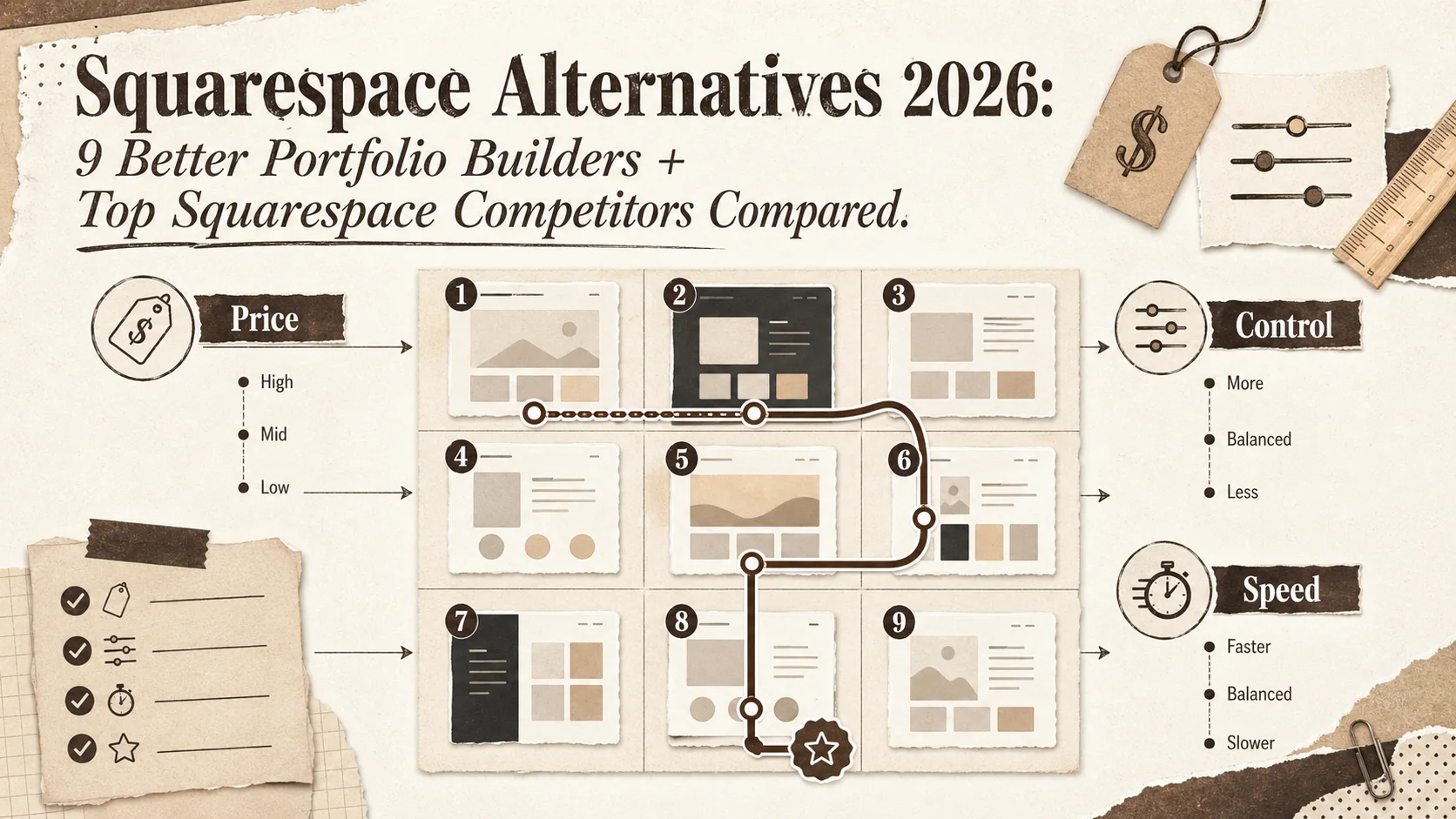
What is the best alternative to Squarespace in 2026?
The best alternative to Squarespace in 2026 depends on what you actually need. For a professional bio plus portfolio, Popout is purpose-built and ships in 10 minutes. For the cheapest one-page site, Carrd at 19 USD per year is unbeatable. For designer-grade visuals, Framer wins. For full CSS control, Webflow is the power tool. Below we compare 9 Squarespace competitors across pricing, design control, and use case.
Why look for an alternative to Squarespace?
Three reasons people search for "better than Squarespace" in 2026: price (Squarespace Personal is now 16 USD per month, Business 33 USD), template fatigue (recruiters can spot a Squarespace template instantly per the 2025 Jobvite Recruiter Nation Report), and overkill (a portfolio page does not need a full CMS plus e-commerce). If any of those describe you, the 9 alternatives below will be a better fit.
Looking for the best alternatives to Squarespace? Quick recommendations
If you read no further: Popout for portfolio plus bio combo, Carrd for one-page on a budget, Framer for design quality, Webflow for power users, WordPress for blogging, Wix for non-technical setup, GitHub Pages if you can write code. Detail on each below.
Why People Leave Squarespace
Squarespace has been the default "beautiful website" builder since 2010. But in 2026, three things are pushing creators and professionals away:
Price creep. Squarespace Personal starts at $16/month ($192/year). Business is $33/month. E-commerce Basic is $36/month. For a simple portfolio or bio page, that is expensive. According to Squarespace's own 2025 annual report, the average customer now pays 22% more than in 2023.
Template fatigue. After 15 years, Squarespace templates are recognizable. Recruiters see them constantly. A 2025 survey by Jobvite (Recruiter Nation Report) found that 34% of hiring managers said they could identify the website builder used, and 18% considered it a negative signal for design roles.
Overkill for most use cases. If you need a portfolio page, a bio link, or a simple professional site, Squarespace's full CMS is more complexity than you need. You are paying for e-commerce features and blogging tools you will never touch.
Here are 9 alternatives, ranked by use case.
The Best Squarespace Alternatives
1. Popout (Best for Professional Bio + Portfolio)
Popout is built specifically for the use case Squarespace is weakest at: combining a bio link page with a portfolio showcase. Instead of building an entire website, you create a focused professional page that shows who you are, what you do, and your best work.
What makes it different:
- Portfolio + bio link in one page (no separate site needed)
- SEO-optimized personal branding out of the box
- Analytics to track who is viewing your profile
- Developer-friendly with custom themes
- Goes live in under 10 minutes
Pricing: Included tier available. Premium plans significantly cheaper than Squarespace.
Best for: Developers, designers, freelancers, and job seekers who need a professional online presence without building a full website. If your goal is "recruiters find me and see my best work," this is purpose-built for that.
Limitations: Not a full CMS. If you need 50 pages, a blog, and e-commerce, this is not the right tool.
Use our developer bio generator to create your bio, or check our portfolio tagline generator for headline inspiration.
2. Carrd (Best Budget Option)
Carrd is a one-page site builder that does exactly what the name suggests: one beautiful page. No more, no less.
Key features:
- Drag-and-drop single-page builder
- 100+ templates
- Custom domain support
- Form integration (Mailchimp, Google Sheets)
Pricing: Included for 3 sites. Pro starts at $19/year (not per month).
Best for: Anyone who needs a simple landing page or link-in-bio on an extreme budget. At $19/year, it is 10x cheaper than Squarespace.
Limitations: Single page only. No multi-page sites, no blog, no portfolio gallery. Limited customization on the included tier.
For a deeper comparison, read our Carrd alternatives guide.
3. Framer (Best for Designers)
Framer started as a prototyping tool and evolved into a full website builder. The design capabilities are genuinely superior to Squarespace.
Key features:
- Figma-like visual editor with real CSS output
- Animation and interaction design built in
- CMS for dynamic content
- AI page generation
- Component-based design system
Pricing: Included tier. Mini $5/month. Basic $15/month. Pro $30/month.
Best for: Designers who want pixel-perfect control and smooth animations. The learning curve is steeper than Squarespace, but the output quality is higher.
Limitations: Steeper learning curve. Not beginner-friendly. The included tier has Framer branding.
4. Webflow (Best for Advanced Customization)
Webflow is the power-user alternative. It generates clean HTML, CSS, and JavaScript while giving you visual design control.
Key features:
- Visual CSS editor (flexbox, grid, custom properties)
- Full CMS with API access
- E-commerce capabilities
- Hosting included with CDN
- Export code for self-hosting
Pricing: Included tier. Basic $14/month. CMS $23/month. Business $39/month.
Best for: Developers and designers who want full CSS control without writing code. Agencies building client sites. Teams that need a CMS with design flexibility.
Limitations: Complex learning curve. Pricing is similar to Squarespace at higher tiers. Not ideal for simple portfolio pages. Read our detailed Webflow alternatives comparison for more context.
5. WordPress.com (Best for Content-Heavy Sites)
WordPress powers 43% of the web (W3Techs, 2026). The hosted WordPress.com version is the most direct Squarespace competitor.
Key features:
- 10,000+ themes
- 59,000+ plugins
- Full blogging and CMS
- WooCommerce for e-commerce
- Self-hosted option available
Pricing: Included tier. Personal $4/month. Premium $8/month. Business $25/month.
Best for: Bloggers, content creators, and anyone who needs extensive content management. If you publish more than 2 articles per month, WordPress is the better choice.
Limitations: Security maintenance required. Plugin conflicts are common. Design quality depends heavily on theme choice. See our WordPress alternatives breakdown for the full picture.
6. Wix (Best for Non-Technical Users)
Wix is the most beginner-friendly builder. The AI site generator can create a functional site from a text description in under 2 minutes.
Key features:
- AI site builder
- Drag-and-drop editor (true WYSIWYG)
- App market with 500+ integrations
- Built-in SEO tools
- E-commerce and booking
Pricing: Included tier. Light $17/month. Core $29/month. Business $36/month.
Best for: Non-technical users who want the easiest possible setup. Small business owners who need booking, e-commerce, and a portfolio in one place.
Limitations: Sites can feel heavy/slow. Less design control than Framer or Webflow. Wix branding on included tier. Our Wix alternatives guide covers more options in this space.
7. Notion Sites (Best for Minimal Setup)
Notion's "Publish to web" feature turns any Notion page into a website. In 2026, Notion Sites added custom domains, analytics, and basic theming.
Key features:
- Turn any Notion page into a public site
- Database-powered content
- Custom domain support
- Built-in analytics
- Collaboration-friendly
Pricing: Included with Notion plan. Plus $10/month.
Best for: People who already use Notion and want to publish content without learning a new tool. Project documentation, company wikis, simple portfolios.
Limitations: Limited design customization. Slow page loads compared to static sites. Not ideal for portfolio-heavy visual work.
8. Beacons.ai (Best for Content Creators)
Beacons is a link-in-bio tool that evolved into a creator platform with media kits, stores, and email marketing.
Key features:
- Link-in-bio page builder
- AI-powered media kit generator
- Digital store (sell products, downloads, memberships)
- Email marketing built in
- Analytics and audience insights
Pricing: Included tier. Creator Pro $10/month. Creator Pro+ $25/month.
Best for: Content creators (YouTubers, TikTokers, podcasters) who need a link hub with monetization. Not for traditional portfolios.
Limitations: Focused on creator monetization, not professional portfolios. Design options are limited. For a detailed comparison, see our Beacons.ai alternatives page.
9. GitHub Pages + Static Site Generator (Best for Developers)
For developers, the best Squarespace alternative costs $0: a static site generator (Astro, Next.js, Hugo) deployed on GitHub Pages, Cloudflare, or Netlify.
Key features:
- Full code control
- Zero monthly cost (included hosting)
- Blazing fast (static files, CDN)
- Version controlled
- Custom everything
Pricing: Included.
Best for: Developers who want maximum control and zero recurring costs. If you can write HTML/CSS, this is objectively the best option.
Limitations: Requires coding skills. No visual editor. Maintenance is on you.
Check our GitHub profile README guide and developer portfolio examples for inspiration.
Decision Matrix
Decision matrix: which alternative to Squarespace fits your use case?
| If you need... | Use this | Why |
|---|---|---|
| Professional bio + portfolio | Popout | Purpose-built, fast setup |
| Cheapest option possible | Carrd ($19/year) | One page, done |
| Designer-grade visuals | Framer | Figma-like control |
| Full CSS control | Webflow | Visual CSS editing |
| Heavy blogging | WordPress | Best CMS ecosystem |
| Easiest setup, no code | Wix | AI builder, drag-and-drop |
| Already use Notion | Notion Sites | Zero learning curve |
| Creator monetization | Beacons.ai | Built-in store + email |
| Developer, $0 budget | GitHub Pages | Included, fast, full control |
What Squarespace Still Does Well
Fairness demands acknowledging where Squarespace remains strong:
- E-commerce + portfolio combo: If you sell physical products AND need a portfolio (photographers selling prints, artists selling originals), Squarespace's integrated approach is still the smoothest.
- Template quality: Squarespace templates remain among the most polished out-of-the-box designs available.
- All-in-one reliability: Email marketing, scheduling, analytics, domains, hosting, SSL. One bill, one dashboard, one support team.
If those matter more than price, Squarespace is still a solid choice.
Are these Squarespace alternatives better than Squarespace?
Better is not absolute. It depends on the job. Squarespace alternatives are better than Squarespace when (a) you need a focused portfolio rather than a full website (Popout, Carrd, Beacons), (b) you care about design freshness and originality (Framer, Webflow), (c) you have a tight budget (Carrd at 19 USD per year, GitHub Pages included), or (d) you publish content heavily and need a real CMS (WordPress). Squarespace remains better when you need integrated e-commerce plus portfolio in one product (photographers selling prints) or when you want template polish without any setup work.
Squarespace alternatives 2022 vs 2026: what changed
If you compared Squarespace alternatives 2022 vs 2026, three new entrants matter: Framer (came out of beta as a full builder), Notion Sites (added custom domains and analytics), and Beacons.ai (pivoted from creator-only to general bio builder). Several 2022 favorites lost ground: Strikingly and Format have not kept pace on pricing or features.
How to Migrate from Squarespace
If you are ready to switch:
- Export your content: Squarespace allows XML export of blog posts and pages (Settings > Advanced > Import/Export).
- Download your images: Use the built-in export or manually download from the asset library.
- Set up redirects: Point your custom domain to the new host and set up 301 redirects for any indexed URLs.
- Cancel after migration: Keep your Squarespace subscription active until the new site is live and indexed.
Most migrations take 2-4 hours for a simple portfolio site. Use our portfolio review checklist to make sure nothing is missing before launch.
For more comparison content, explore our guides on Linktree alternatives, About.me alternatives, and Bento alternatives. Browse all comparisons on our tools hub.
FAQ
Is Squarespace worth it in 2026?
It depends on your needs. For e-commerce with a built-in portfolio, Squarespace remains competitive. For a simple professional portfolio or bio page, alternatives like Popout, Carrd, or Framer offer better value. At $16-36/month, Squarespace is one of the more expensive options for basic use cases.
What is the cheapest Squarespace alternative?
Carrd at $19/year (Pro Lite) is the cheapest paid option. GitHub Pages is completely included if you can write code. Popout, Wix, and Beacons.ai all offer included tiers with enough features for a basic portfolio.
Can I move my Squarespace domain to another builder?
Yes. If you registered your domain through Squarespace, you can transfer it to any registrar (Cloudflare, Namecheap, Google Domains). If you brought your own domain, just update the DNS records to point to your new host.
Which Squarespace alternative is best for photographers?
For photography portfolios specifically, Framer offers the best visual quality with smooth image galleries. Squarespace's own image handling is still excellent. For a quick portfolio without building a full site, Popout with its portfolio showcase feature works well for displaying your best 10-20 images with context.
Do Squarespace alternatives have good SEO?
Most modern builders handle SEO basics well (meta tags, sitemaps, SSL). Webflow and WordPress offer the most SEO control. Static sites (GitHub Pages, Astro) are inherently the fastest and score highest on Core Web Vitals, which Google uses as a ranking signal. Squarespace's SEO is adequate but not exceptional.
Are there any platforms better than Squarespace for portfolios?
Yes. For a focused portfolio, Popout, Framer, and Carrd are all better than Squarespace because they are purpose-built for the use case and cost significantly less. Squarespace's portfolio templates are polished but you pay 16 to 36 USD per month for features (e-commerce, blog, scheduling) that most portfolio owners never use. Popout and Carrd give you the portfolio without the bloat.
Who are the main Squarespace competitors in 2026?
The main Squarespace competitors in 2026 are Wix and WordPress.com (full website builders), Webflow and Framer (design power user builders), Carrd and Popout (focused single-page builders), and Notion Sites (documentation portfolio hybrid). For e-commerce specifically, Shopify is the dominant Squarespace competitor.
What is the cheapest alternative to Squarespace in 2026?
The cheapest alternative to Squarespace in 2026 is GitHub Pages (included, requires basic HTML and CSS), followed by Carrd (19 USD per year for the Pro Lite tier). Both undercut Squarespace's 192 USD per year minimum by 90 percent or more.
Other Doved Studio projects
Related tools from the same studio you might find useful:
- Ralphable: Generate structured Claude Code skills that iterate until pass/fail criteria are met.
- Glean: Turn scrolling time into a daily action plan. Capture, process, execute.
- Doved Studio: Studio indie derrière cette app et une dizaine d'autres outils.