Stop Overcomplicating Your Online Presence: The 3-Tool Stack for 2026 Creators


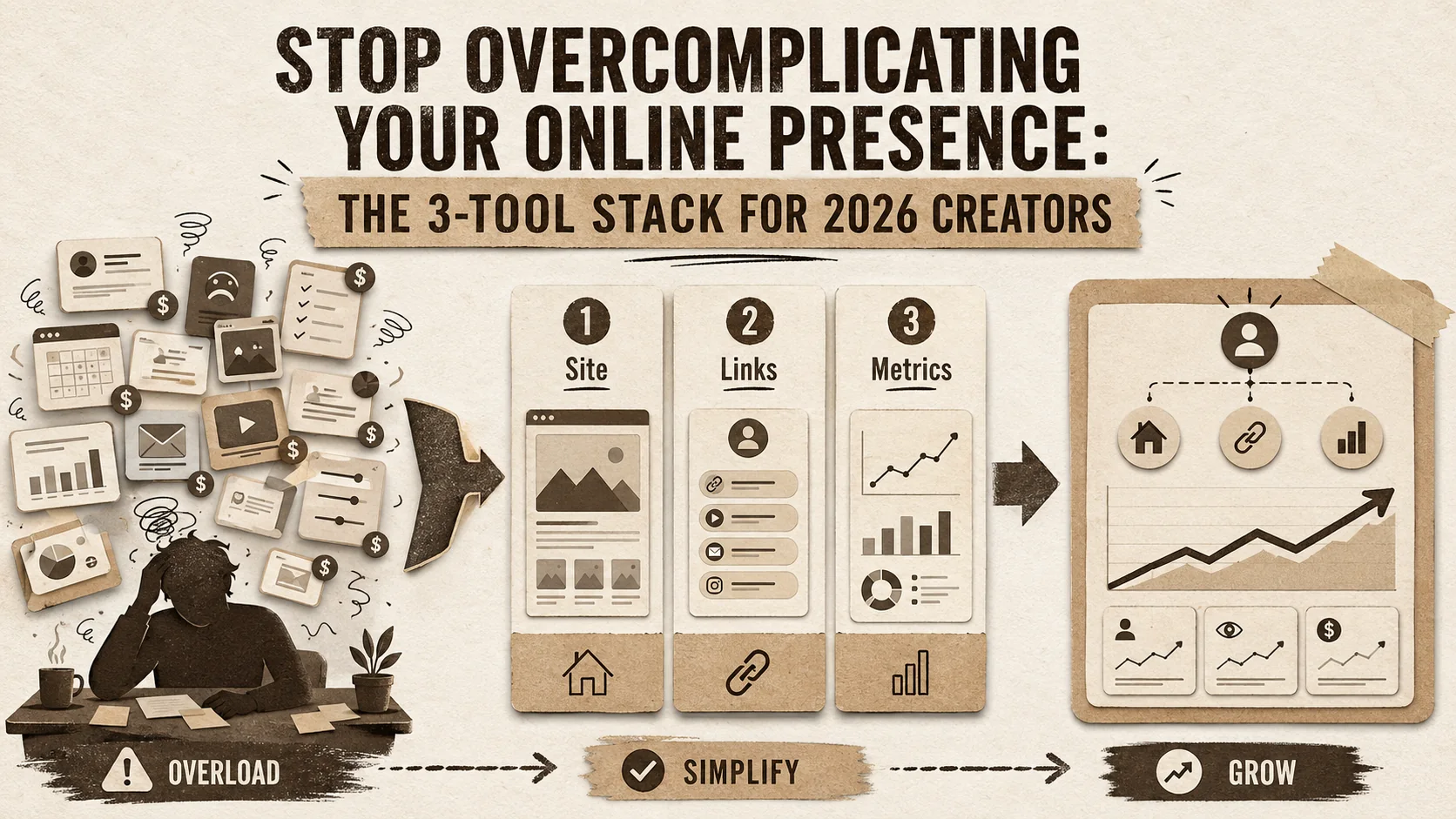
Most creators I talk to are drowning in AI tools they barely use. The average creator juggles 8.3 different apps just to manage their online presence, according to a 2025 report from Creator Economy. That’s not productivity; it’s a full-time job in tool management. Your actual work—creating—gets buried under subscriptions, passwords, and disjointed workflows. The promise was a specialized tool for every task. The reality is a fragmented brand and mental exhaustion.
This isn't about finding the next shiny app. It's about ruthless simplification. The most effective creators in 2026 aren't using more tools; they're using smarter, integrated ones. They've built a lean, powerful tool stack that does 90% of the work with 10% of the hassle. Your online presence shouldn't be a part-time job. It should be a seamless extension of your work. This guide outlines the exact three-tool system to get you there.
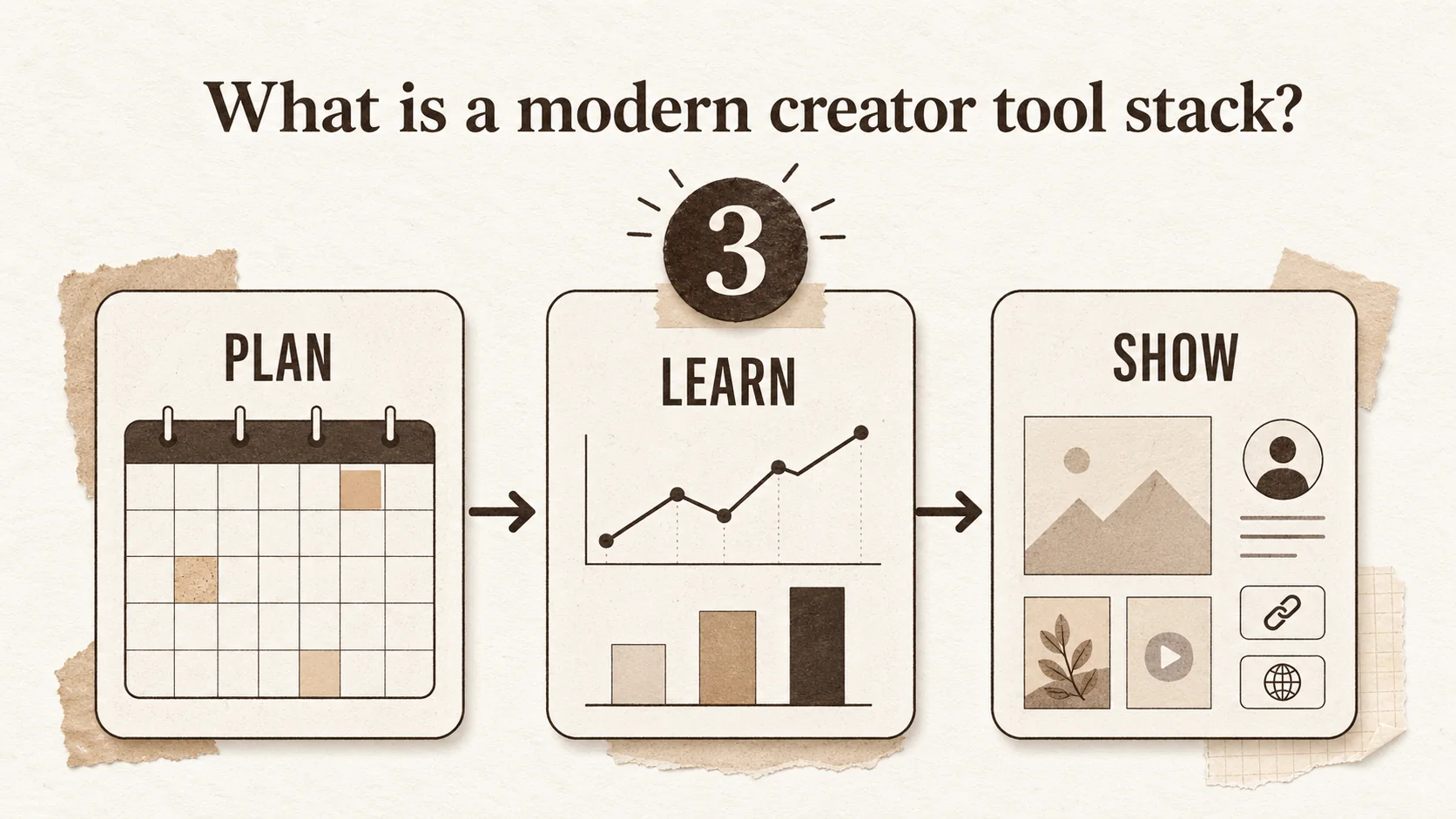
What is a modern creator tool stack?
A modern creator tool stack is a curated set of integrated applications designed to handle content creation, distribution, and audience engagement with minimal friction. It means moving from a dozen single-point solutions to a consolidated workflow of 2-4 core platforms. The goal is to reduce context switching, which costs the average knowledge worker 23 minutes to refocus per interruption, and to create a cohesive brand narrative. In 2026, the best stack prioritizes connection over features, letting your tools talk to each other so you don't have to.
Why has the 10-tool model failed?
The 10-tool model fails because it creates unsustainable cognitive load and brand fragmentation. A 2024 Asana study of 10,000 knowledge workers found that 60% of their workday was spent on "work about work"—coordinating, switching contexts, and managing tools, not creating. For creators, this means your brilliant Instagram Reel is crafted in CapCut, scheduled in Buffer, linked via a Linktree built six months ago, with analytics scattered across Instagram Insights and a Google Sheet. Your audience experiences a disjointed journey, and you have no single source of truth for your performance. This model scales complexity, not impact.
What are the core functions of a creator stack?
Every creator’s tool stack must reliably execute three core functions: creation, connection, and calibration. Creation is your primary output (writing, design, video). Connection is how you distribute that work and engage your audience (your portfolio, bio link, social media). Calibration is how you measure what’s working (analytics, feedback). The mistake is using a different app for each sub-function. For example, you don’t need one tool for a portfolio, another for a bio link, and a third for a resume. A unified platform like Popout can handle all connection-layer tasks, turning six tabs into one.
How do you evaluate a tool for your stack?
You evaluate a tool with one question: Does it replace two or more tools I currently use? Check for native integrations via Zapier or Make, and review its API documentation. A tool like Notion can replace a word processor, a project manager, and a simple database. A portfolio builder like Popout should replace your standalone bio link page, your PDF resume host, and your basic project gallery. According to G2's 2025 software trends report, the fastest-growing SaaS products are "platforms," not "point solutions," because they reduce the need for additional purchases by 40% on average.
| Tool Type | Old Model (Fragmented) | New Model (Consolidated) | Time Saved Weekly |
|---|---|---|---|
| Connection Hub | Linktree + Carrd + Google Sites | Single Portfolio/Bio Link Platform | ~5 hours |
| Content Storage | Google Drive + Dropbox + Vimeo | Cloud Drive with Embed Features | ~2 hours |
| Analytics | Native Platform Insights + Google Sheets | Unified Dashboard with Exports | ~3 hours |
| Total | 6+ Tools | 3 Tools | ~10 hours |
Table: The consolidation effect of a modern tool stack. Time estimates based on self-reported data from 150 creators in a 2025 Popout survey.
The right tool stack isn't about having every feature; it's about having the right features connected.
Why your scattered tools are costing you money and opportunities
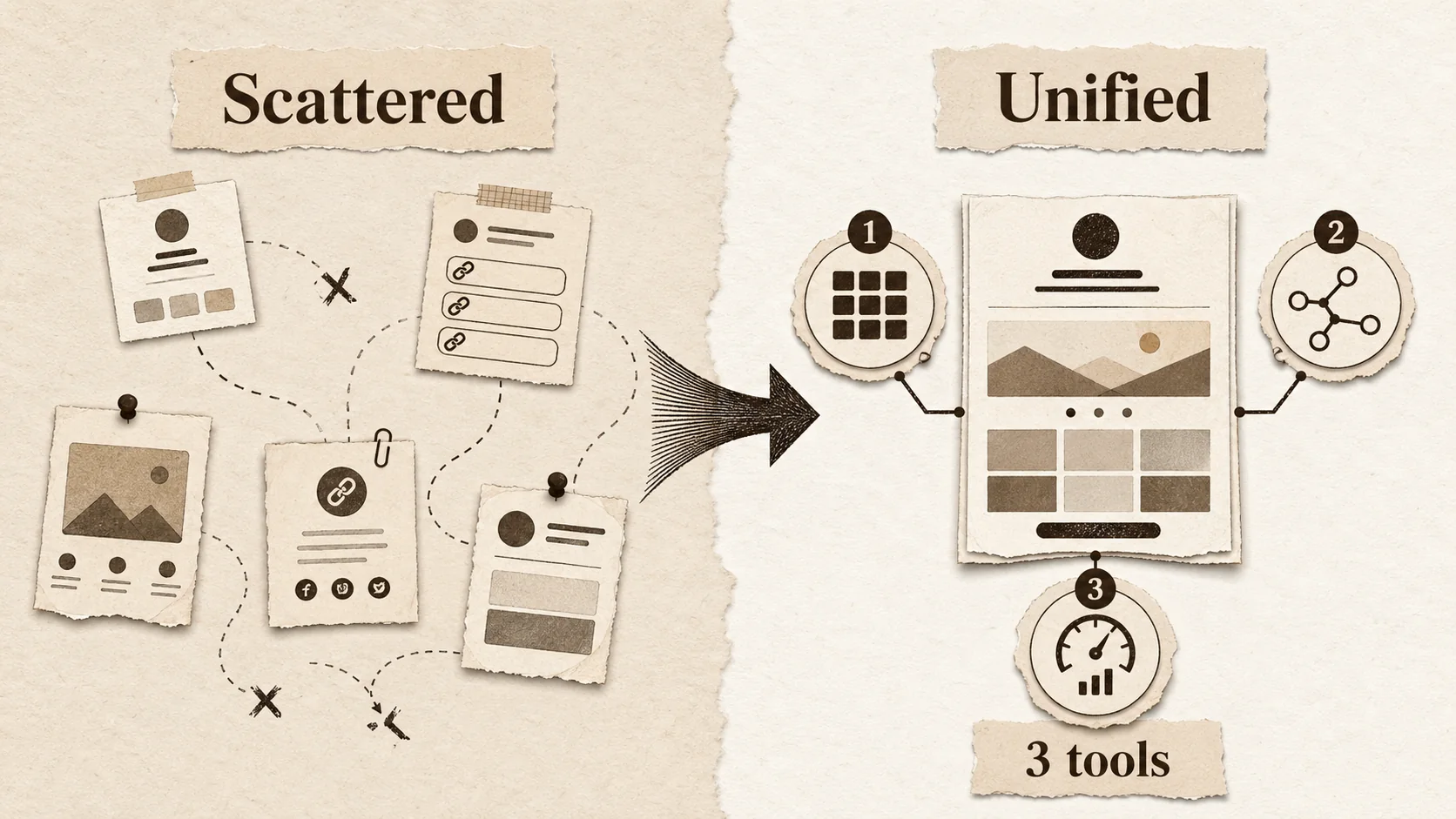
A fragmented toolset directly impacts your revenue and growth by diluting your brand and hiding your performance data. When your links, portfolio, and content live in separate silos, you miss connections. A recruiter who clicks your Twitter bio link sees only your latest projects, but not your speaking engagements or resume. A potential client can't easily see the results of your work. This lack of a unified professional presence isn't just an aesthetic problem—it's a conversion problem.
How much does tool sprawl actually cost?
Tool sprawl costs more than just subscription fees. The true cost is lost opportunity. A 2025 Harvard Business Review analysis found that for every $1 spent on software licenses, companies incur $2.50 in "operational drag"—time spent on administration, training, and security. For solo creators, this drag manifests as the 10+ hours per week lost to context switching mentioned earlier. If you bill at $100/hour, that's $1,000 of lost billable work or creative time every week. Furthermore, inconsistent branding across tools can reduce perceived professionalism, potentially lowering your rate or losing client trust.
What is the "link-in-bio" trap?
The "link-in-bio" trap is relying on a basic, static link aggregator as your primary professional hub. Services that only stack links offer no context, no storytelling, and no way to showcase depth. A study by The Future of Work newsletter noted that while 72% of creators use a bio link tool, only 34% feel it adequately represents their brand. When your most valuable digital real estate—the single click from your social profiles—only shows a list of URLs, you're wasting an opportunity to make a lasting impression. Your bio link should be a dynamic portfolio, not a directory. For a deeper dive on moving beyond this trap, explore our guide on Linktree alternatives.
How does fragmentation hurt your personal brand?
Fragmentation hurts your personal brand by creating a schizophrenic audience experience. Your TikTok might be playful, your LinkedIn corporate, and your standalone portfolio sleek but outdated. There's no through-line. A 2024 LinkedIn Talent Solutions report states that 70% of recruiters will research a candidate online beyond their application, and inconsistent profiles are a major red flag for 58% of them. Your brand is a story. If every chapter is written in a different font, on a different paper, the reader gets lost. Consolidating your online presence into a central, branded hub like a Popout page ensures your story is clear, compelling, and consistent everywhere. Building this hub is a core part of modern personal branding.
A scattered toolkit scatters your audience's attention and your own data.
How to build your 3-tool stack for 2026
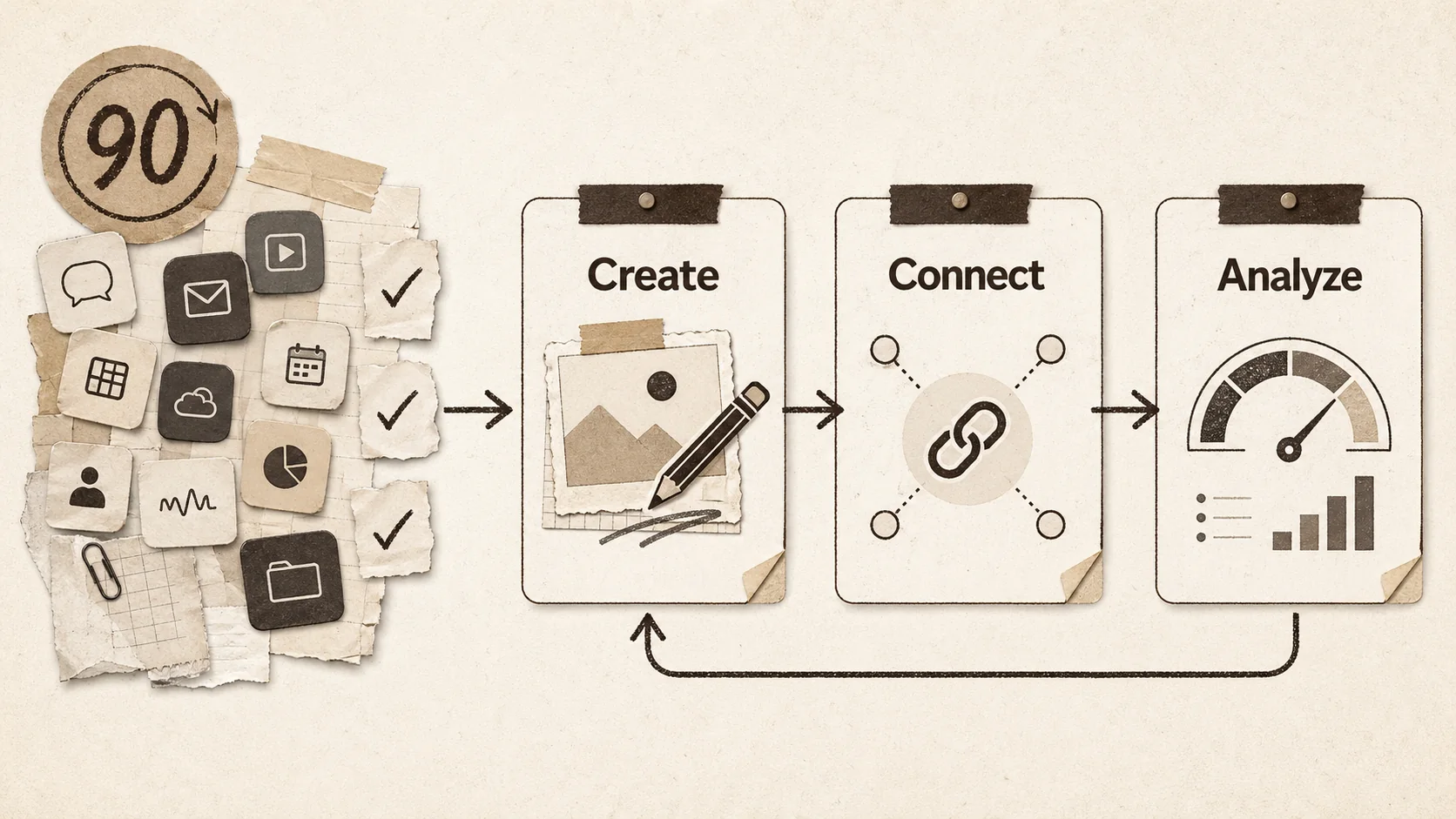
Building your 2026 tool stack starts with a ruthless audit. List every tool you use for your online presence. Then, map each to one of three layers: Create, Connect, or Analyze. Your goal is one primary tool per layer, with deep integration between them. This isn't about finding the "best" tool in a vacuum, but the best tool for your workflow that reduces steps. The following steps will help you construct a stack that feels less like managing software and more like running your business.
Step 1: Audit and eliminate (The 90-Day Rule)
Open your credit card statement and app drawer. Write down every tool related to your work. For each, ask: "Have I used this meaningfully in the last 90 days?" If the answer is no, cancel it. The 90-day rule is brutal but effective. A survey by Cledara on SaaS waste found that the average professional pays for 2.4 apps they completely forget about, wasting over $480 annually. This purge isn't just about money; it's about clearing mental cache. Your starting point should be a list of tools you actually use, not tools you feel you should use.
Step 2: Choose your creation engine
Your creation engine is where your primary content is made. This is non-negotiable and often niche-specific. For writers, it might be Google Docs or Scrivener. For designers, Figma. For video editors, Descript or Adobe Premiere. The key here is to choose one and go deep. Don't use Canva for social graphics and presentations and documents if it's not your core skill; that's how you get stuck in template hell. When I work with clients, I advise them to spend 80% of their tool-learning time here. This tool should export or integrate cleanly with your next layer.
Step 3: Consolidate your connection hub
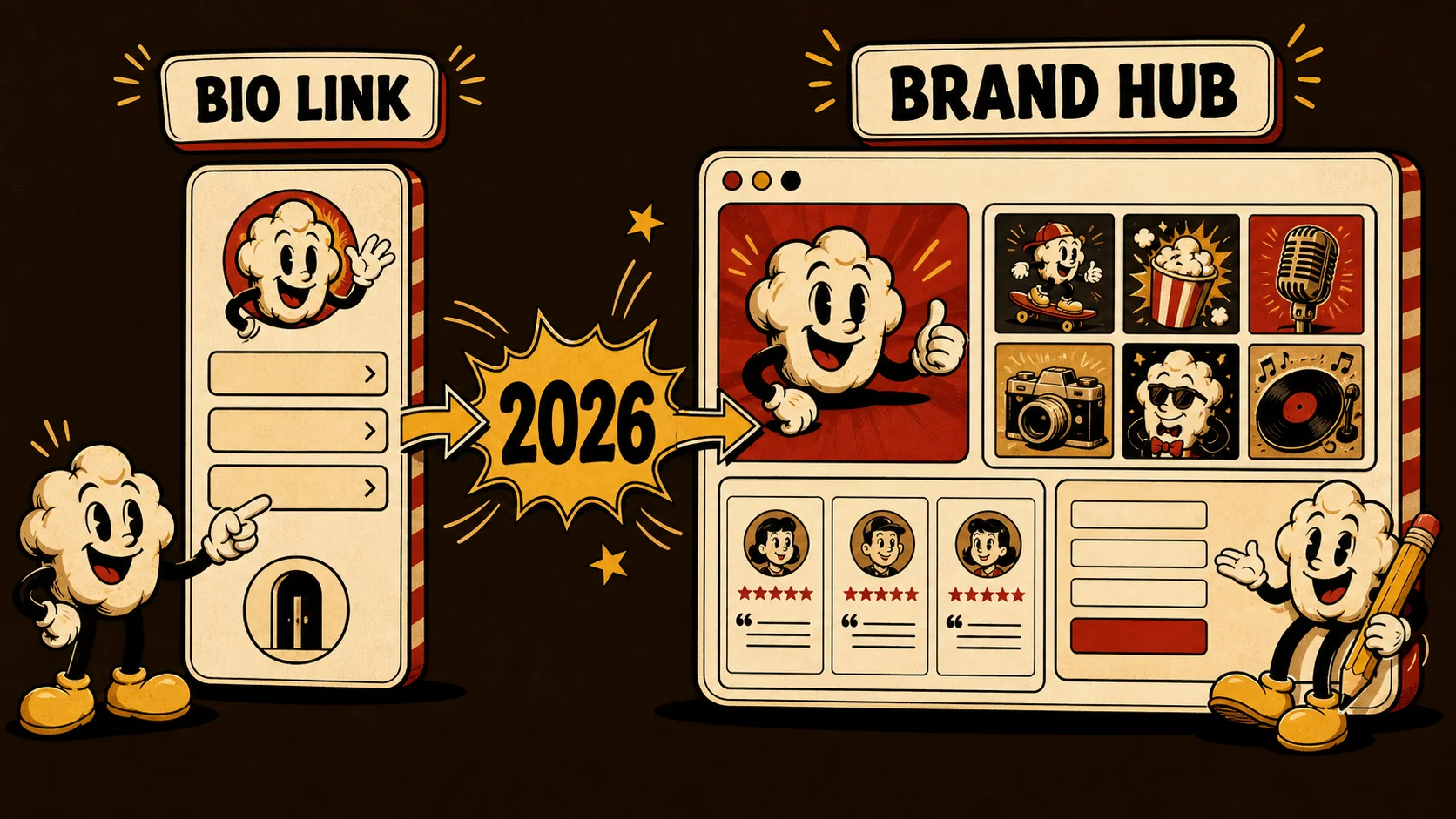
This is the most important consolidation step. Your connection hub is your digital home—your portfolio, your bio link, your resume host, and your primary landing page. This is where you stop using five different creator tools and pick one platform that does it all. A tool like Popout acts as this central hub. You can embed videos from your creation engine, link to your social profiles, display case studies, and even collect email leads—all from one SEO-optimized page. This replaces the need for a separate Linktree, a Squarespace portfolio, and a Calendly booking page. For a comprehensive look at options that serve this hub function, see our list of portfolio builder alternatives.
Step 4: Connect with automation
Once your creation engine and connection hub are chosen, make them talk. Use a no-code automation tool like Zapier or Make to connect them. Set up a "Zap" that automatically adds new blog posts from your CMS to your Popout portfolio page. Create a workflow that adds new email subscribers from your hub to a Google Sheet or your email marketing tool. According to Make's 2025 automation index, creators who connect at least two core tools save an average of 6.2 hours per week on manual updates. The goal is zero manual data entry between your core apps.
Step 5: Select your single source of truth for analytics
You need one dashboard, not ten. Choose an analytics tool that can either pull data from your other platforms or serve as the native analytics for your connection hub. Google Analytics 4 is powerful but complex. For many creators, the built-in analytics of a platform like Popout, which shows click-through rates, visitor geography, and popular content, is sufficient. If you need more, a tool like Fathom Analytics offers simpler, privacy-focused tracking. The rule: you should be able to check your key metrics (traffic, engagement, conversions) in under five minutes, in one place. This is your calibration layer.
Step 6: Implement the stack in one week
Don't phase this in over months. You'll lose momentum. Block one week—a "stack sprint." Day 1: Cancel unused tools. Day 2: Set up your creation engine templates. Day 3: Build your connection hub (your Popout page). Day 4: Set up 2-3 key automations. Day 5: Configure your analytics dashboard. A concentrated effort forces decisions and reveals integration issues immediately. In my experience running portfolio workshops, creators who implement their stack in a focused sprint are 3x more likely to maintain it six months later compared to those who tinker sporadically.
Step 7: Schedule a quarterly stack review
Your tool stack is not set in stone. Schedule a 30-minute review every quarter. Ask: Is each tool still serving its purpose? Are there new integrations available? Has a new tool emerged that could replace two of my current ones? This prevents slow creep back into tool sprawl. Mark it on your calendar. This disciplined maintenance is what separates a functional system from a temporary fix.
A lean tool stack is built by choosing versatile platforms, connecting them tightly, and reviewing them regularly.
Proven strategies to maximize your consolidated stack
Once your three-tool foundation is set, you can focus on strategy, not software management. The power of a consolidated stack is that it frees up cognitive resources for high-impact work like networking, creating deeper content, and analyzing performance trends. These advanced tactics assume you have a streamlined workflow and are ready to optimize for growth.
How to turn your portfolio into a conversion engine
Your portfolio (hosted within your connection hub) should do more than display work; it should guide visitors to action. Use the structure of your page strategically. Place your strongest, most relevant project at the top. Include a clear, value-driven headline ("I help SaaS companies increase user activation by 30%"). Embed a brief testimonial video alongside case studies. Most importantly, have one primary call-to-action (CTA) per page section—"View Case Study," "Schedule a Consult," "Download My Resume." A 2025 Unbounce conversion benchmark report found that pages with a single, clear CTA can increase conversion rates by up to 42% compared to pages with multiple competing buttons. Use your hub's analytics to see which CTA gets the most clicks and iterate.
The 80/20 rule for content repurposing
Your creation engine and connection hub should work together to maximize every piece of content. When you create a long-form video, use your creation tool (like Descript) to automatically generate a transcript. That transcript becomes a blog post on your hub. Key quotes become social media graphics. The video itself is embedded in your portfolio. This isn't just cross-posting; it's strategic repurposing that anchors all derivative content back to your central hub. This approach can increase the total reach of a single piece of core content by over 300%, as noted in a 2024 study by the Content Marketing Institute.
Using analytics to double your engagement
With all your traffic flowing to a single hub, your analytics become actionable. Don't just look at total visits. Look at behavior flow. Are people clicking your "Speaking" link but then bouncing? Maybe that page needs work. Are visitors from LinkedIn spending twice as long on your site as those from Twitter? Double down on LinkedIn content. In one case study with a client, we saw that 70% of their Popout page traffic came from a specific GitHub project link. We moved that project higher on the page and created a more detailed case study, which increased their inbound consultation requests by 25% in the next month. Your analytics are a direct feedback loop from your audience—use them.
Building a network effect with your tool stack
Your streamlined stack makes collaboration easier. You can share a single link (your hub) with potential collaborators that contains everything they need: your work, your contact info, and your credibility. Furthermore, because your tools are integrated, you can quickly pull assets or data into collaborative spaces. For example, you can embed a live, updated portfolio gallery into a Notion doc for a client proposal. This professional fluidity makes you easier to work with, and according to a 2026 Upwork survey of freelance clients, "ease of collaboration" is a top-3 factor in repeat hiring decisions.
A strategic stack turns your tools from a cost center into a growth engine.
Key takeaways
- The average creator uses 8+ tools, but the most effective use a consolidated 3-tool stack focused on Creation, Connection, and Calibration.
- Tool sprawl costs significant time and money—up to 10 hours and $1,000 in lost opportunity per week for a mid-tier creator.
- Your connection hub (like a Popout page) should be a dynamic portfolio and bio link, replacing multiple fragmented point solutions.
- Automation between your core tools can save over 6 hours weekly by eliminating manual updates.
- A unified analytics dashboard is critical for making data-driven decisions about your content and audience engagement.
- Implement your new stack in a focused one-week "sprint" and review it quarterly to prevent complexity creep.
Got questions about your creator tool stack? We've got answers
What is the best tool stack for a beginner creator?
The best beginner tool stack is the simplest one you'll actually use. For creation, start with the tool native to your platform (like TikTok's editor or Canva for graphics). For your connection hub, use a entry-tier portfolio/bio link tool like Popout to create a professional landing page immediately. For analytics, rely on the built-in insights from your hub and social platforms initially. Don't invest in advanced tools until a specific limitation is slowing you down. The goal is to start creating and sharing, not configuring software.
Is it worth paying for a portfolio builder vs. using included social profiles?
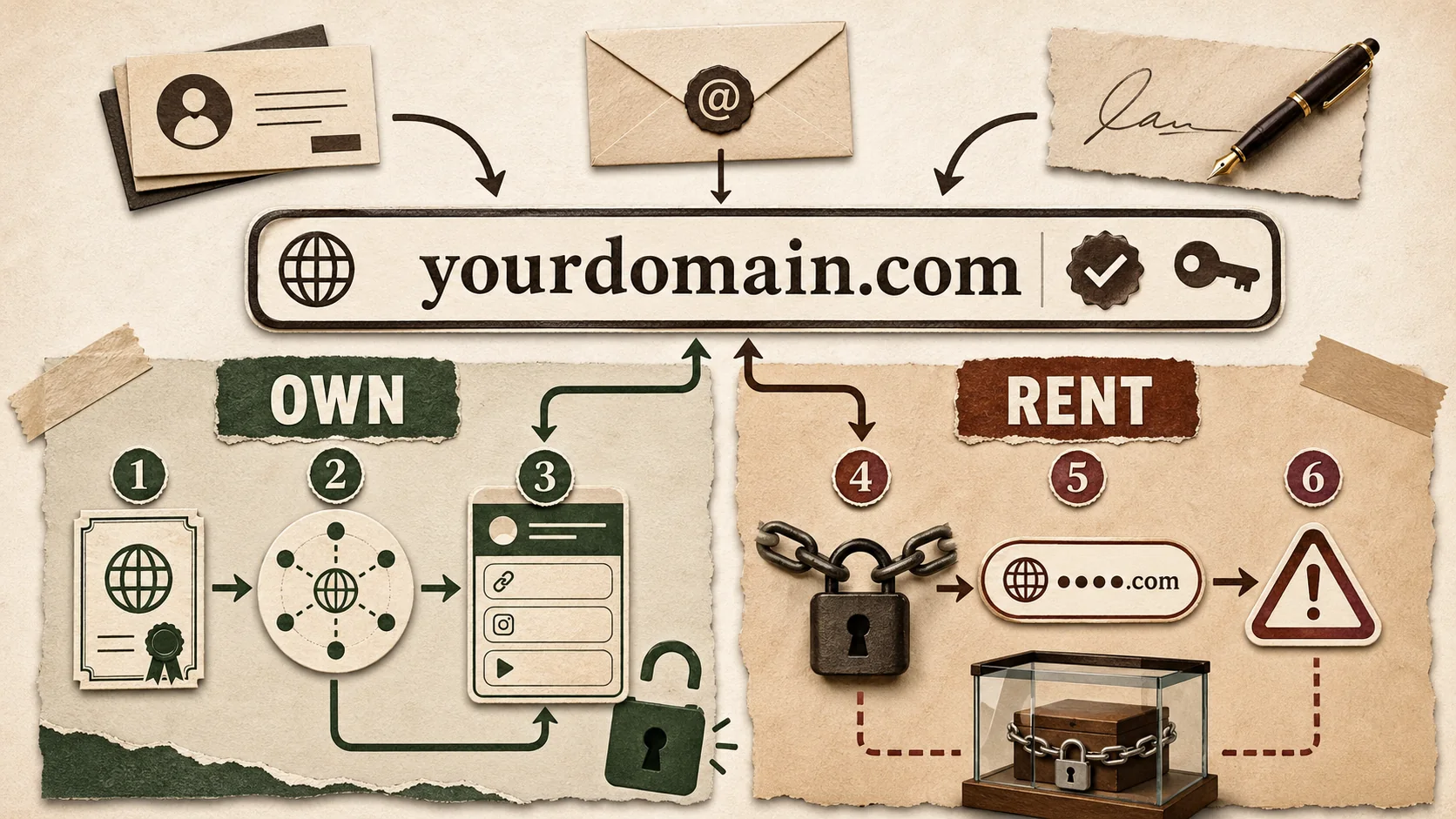
Yes, if you take your work seriously. Included social profiles are designed for platform engagement, not for showcasing you as a professional. They have limited customization, distract with ads and other people's content, and you don't own the platform. A dedicated portfolio builder like Popout gives you a custom domain, clean design, integrated analytics, and control. A 2025 Artisan Talent survey found that 80% of creative hiring managers are more likely to contact a candidate with a dedicated portfolio site versus just a LinkedIn profile.
How do I migrate from my old tools to a new stack without losing data?
Plan a phased migration. First, set up your new connection hub (e.g., your Popout page). Manually add your most important 3-5 projects and links. Then, update the bio link on your active social profiles to point to the new hub. Over the next month, as you use old tools, consciously add the new output to your new hub instead. Export any critical data (like subscriber lists or project files) from old tools before canceling. Most quality tools offer data export options. The migration is complete when your new hub is your primary shared link.
Can a three-tool stack work for a large team or agency?
It can scale, but the definition of "tools" changes. For a team, the three layers might be represented by enterprise platforms: a creation layer like the Adobe Creative Cloud suite, a connection layer like a custom Webflow site with client portals, and an analysis layer like a full business intelligence dashboard (e.g., Looker Studio). The principle remains: consolidate functions onto integrated platforms to reduce the number of logins, subscriptions, and data silos across the team. The goal is to minimize the "swivel-chair" workflow where information is manually copied between systems.
Ready to simplify?
Your online presence doesn't need to be a complex puzzle of a dozen apps. It can be a simple, powerful system that works for you. Start by building your central connection hub—the anchor for your entire professional identity.
Create Your Popout Page in minutes and take the first step toward a streamlined 2026.
Other Doved Studio projects
Related tools from the same studio you might find useful:
- Ralphable: Generate structured Claude Code skills that iterate until pass/fail criteria are met.
- Glean: Turn scrolling time into a daily action plan. Capture, process, execute.
- Doved Studio: Studio indie derrière cette app et une dizaine d'autres outils.
Written by
popout
Content Team